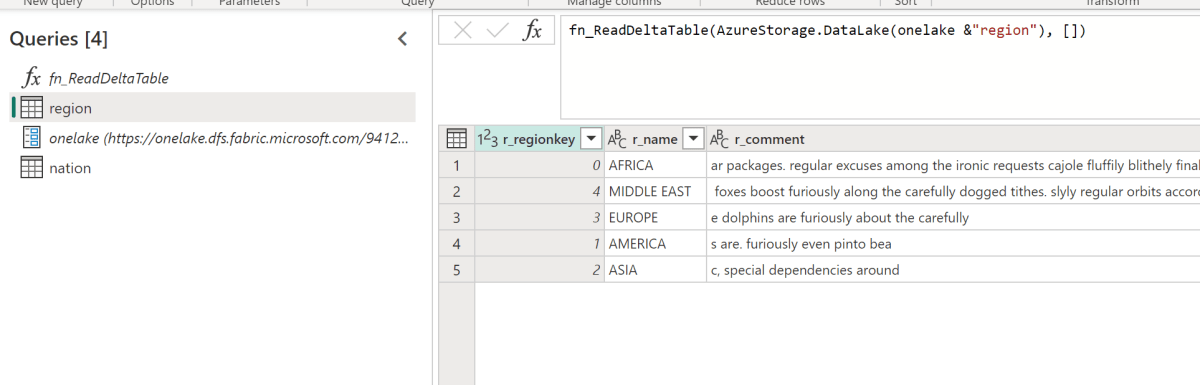
A very quick blog on how to import Delta Table to PowerBI Desktop, probably your first question is why ? doesn’t the new Direct Lake solve that ?
- Direct lake assumes the compute to be running all the time, which does not make a lot of sense if you want to reduce your Fabric Bill and you are using pay as you go model.
- Import mode has been battle tested since 2009, Direct Lake is still very early tech and will take time to mature.
- That’s a side effect of using delta table as the tech for Onelake lakehouse, it does not require a running catalog, the One Security Model will require a running compute of some sort, we don’t know the details but that’s a discussion for another day.
Get the URL
Sandeep has a great blog, go and read it
Import Dataflow to your PowerBI Workspace
I am using the code from this blog, ( I know, I just copied other people ideas, but at least I give credit ) , to make it easier, I created a simple Dataflow where all you need is just to import the json to your PowerBI workspace and change the parameter for the OneLake URL
WARNING : Don’t use in your desktop, you will be charged for egress fees
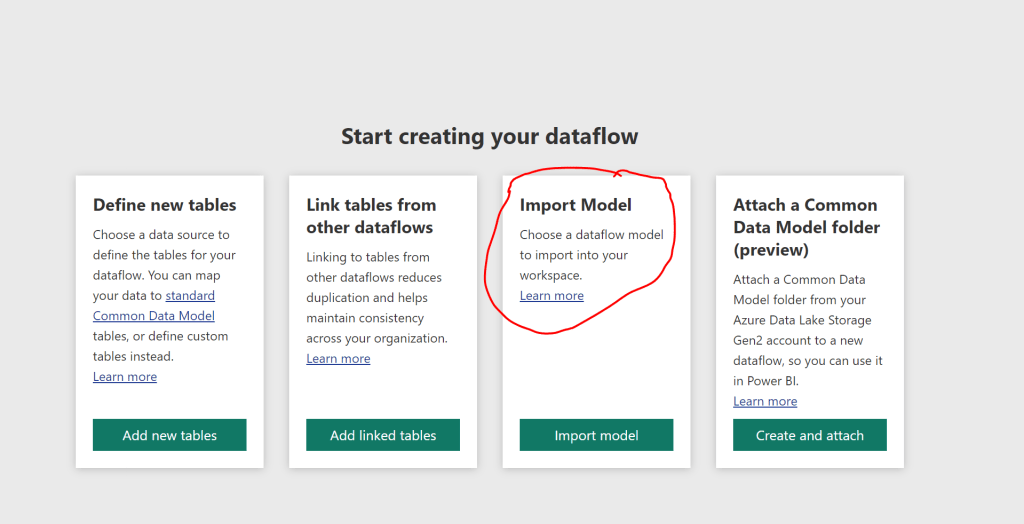
You can download the json here , create a new dataflow, choose this Option
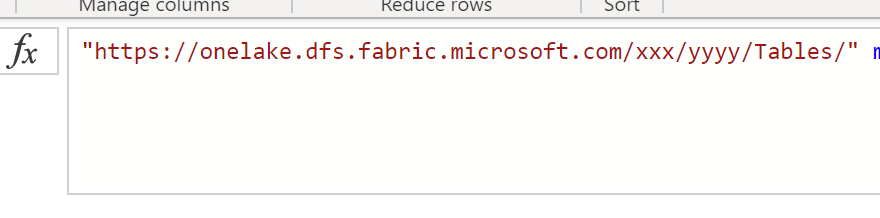
Ignore the authentication error, first change the Onelake URL to something like this
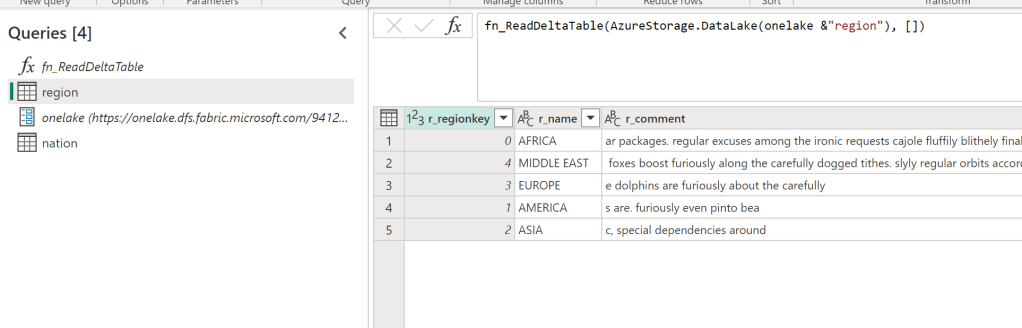
That’s all, now go and turn off that F2 instance, you are welcome 🙂

