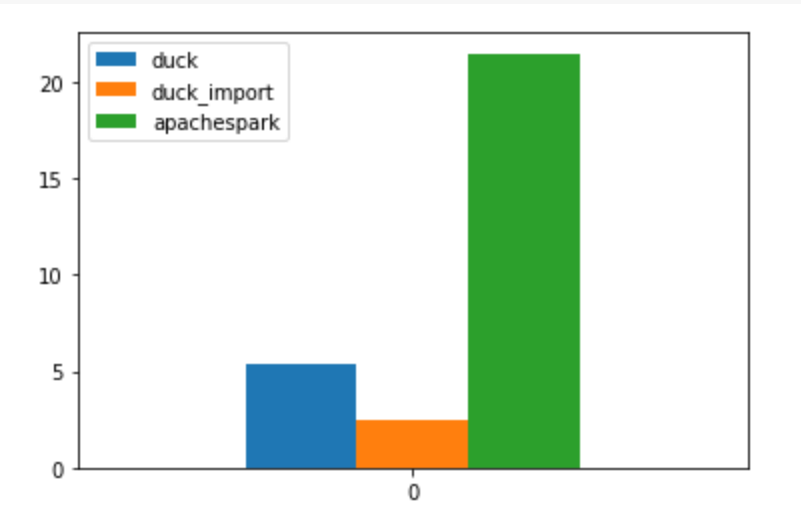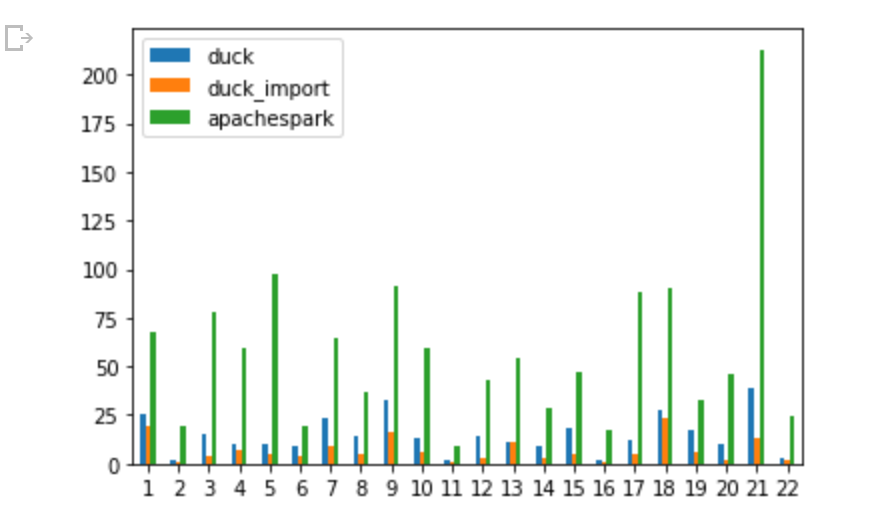
Edit :4-sep-2023 : Fabric added supported for single node with started pool, that literally changed the product, I am keeping the blog for “historical” reason 🙂
TL:DR; Fabric redefined the meaning of self service Python experience, but I think it is recommended to turn off Serverless compute till we have a knob to configure the maximum number of nodes, Spark for small workload is not very impressive and there are better alternatives. In TPCH-SF100 DuckDB was nearly 10 times cheaper.
Fabric provide a serverless Python experience, you don’t need to provision anything, you write code and click run
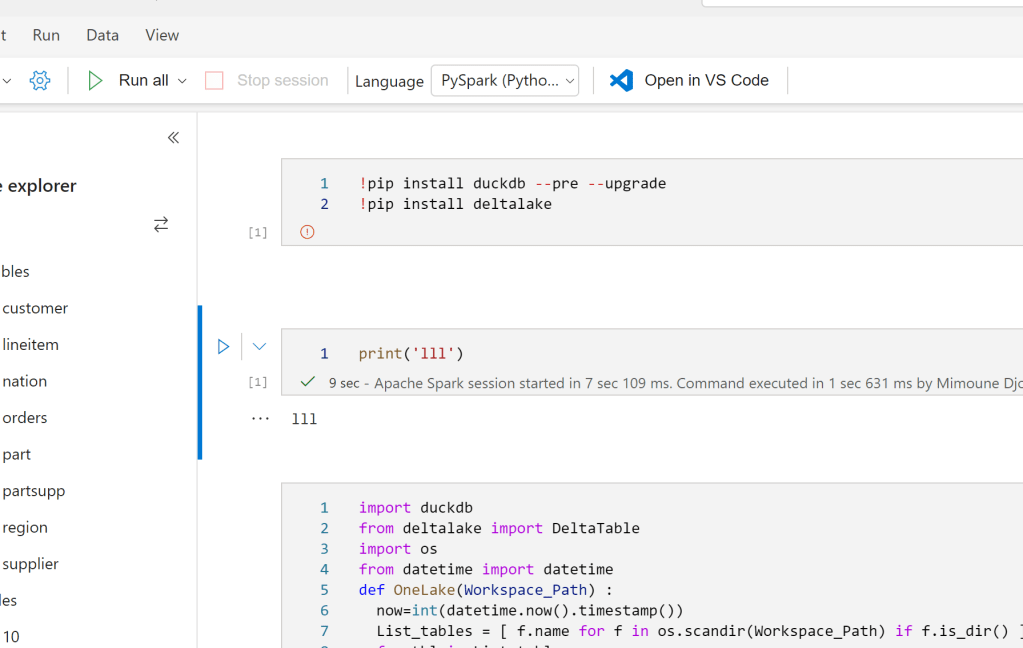
I have to admit, it stills feel weird to open PowerBI and see Notebook in the workspace, maybe this will be the biggest boost to Python in non tech companies,
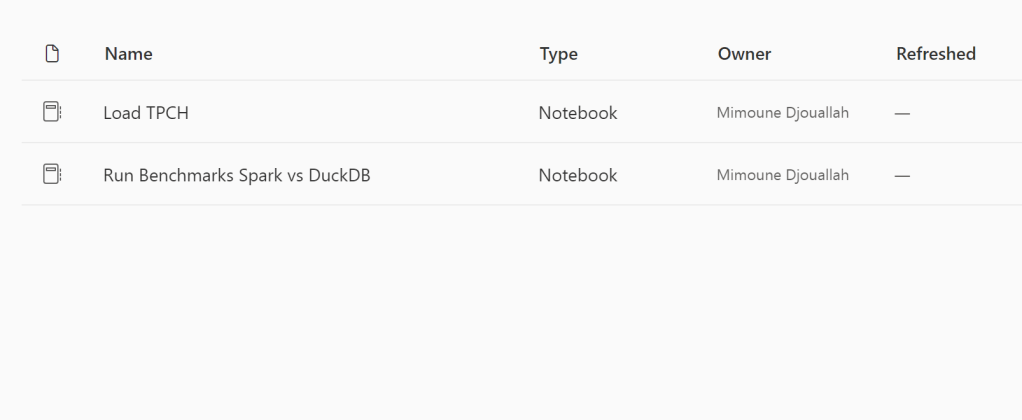
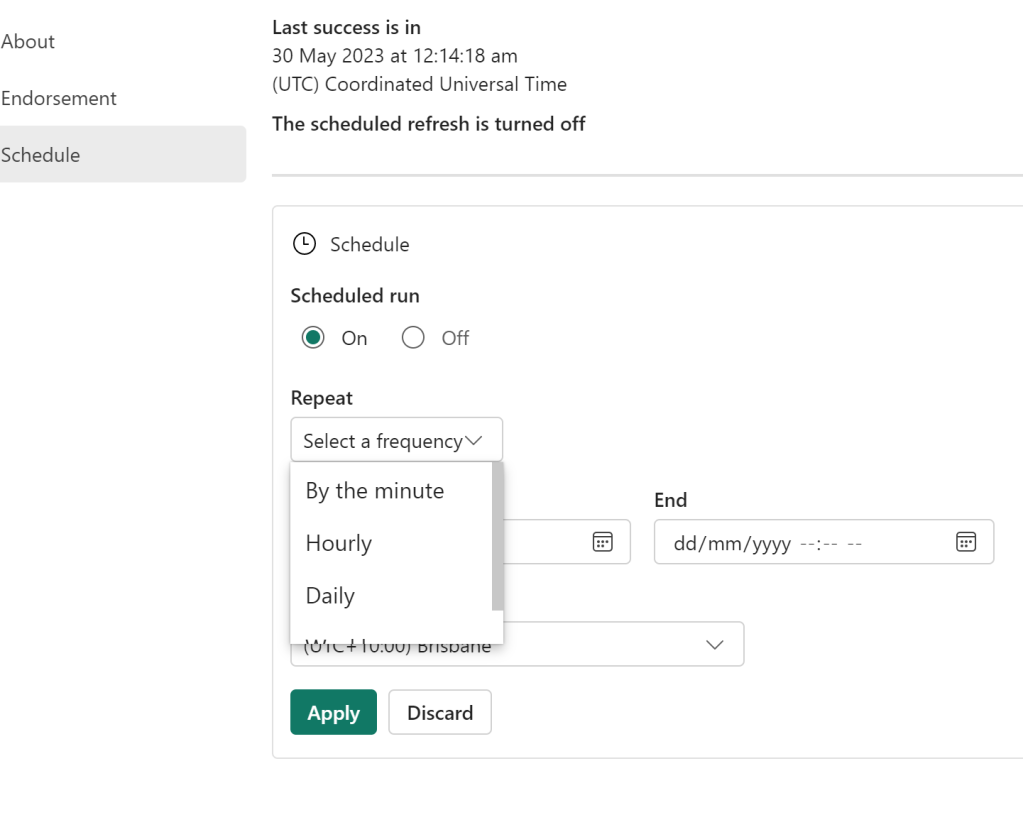
You can actually Schedule a Notebook without writing any code, yep no cron job.
Local Path
Somehow you read and write to OneLake which is an ADLS Gen2 using just local path, it was so seamless that I genuinely thought I was writing to a local filesystem, that’s really great works, it did work with Pandas , Spark obviously and DuckDB, there are bugs though, Delta Lake writer (Python not Spark) generate an error
Default Runtime
Microsoft maintains a massive pool of warm Spark VM, waiting to be called by users, it is pretty much a sub 10 second in my experience
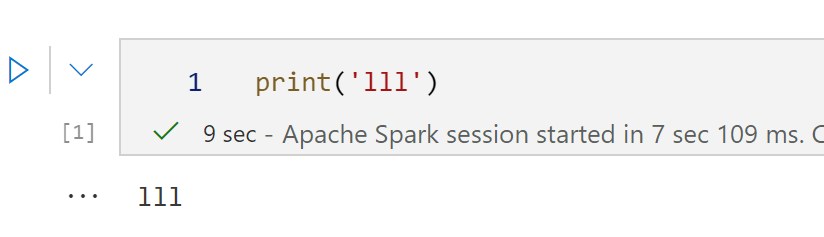
You can build your own cluster but it will not be serverless, and you have to wait for up to 5 minutes. To be honest, I did try it and got an error, it seems the product team is aware of it and will push a fix soon.
Resource management in Spark is weird
DWH are really good at working with multiple users concurrently, you write a Query you send it to the DB you get results back, a DB can accept multiple Queries concurrently and can even put your Query under heavy traffic in a queue. And can return results instantaneously if the queries are the same. As far as I can tell, at least in Fabric, everytime you run a notebook, it will spin up a new Spark compute the sessions are not shared ( it is planned though) and you can’t configure how many vm Spark decided to use, in theory it is handled by the system, I am afraid it is a very problematic decision.
Take for example BigQuery scan mode, it is totally serverless and can use a massive amount of resources, but that’s not an issue for the user, you pay by data scanned, the resource is BigQuery Problem. For Fabric Spark serverless you pay by compute used and there is no way to assign a maximum limit, (it seems it is coming soon,but I believe only what I see) honestly that’s a very strange decision by Fabric product team.
In the trial capacity we have 1 Driver and up to 10 executors, and the clusters are not shared, you can easily consume all your capacity if you have some users that just write some silly code in Python, this is scary.
Testing resources Allocation in Spark Serverless
Spark Serverless assume the Engine will just allocate what’s required, so technically , for a smaller workload it will use only 1 node ( is it 1 driver or 1 driver + 1 executor I don’t know)
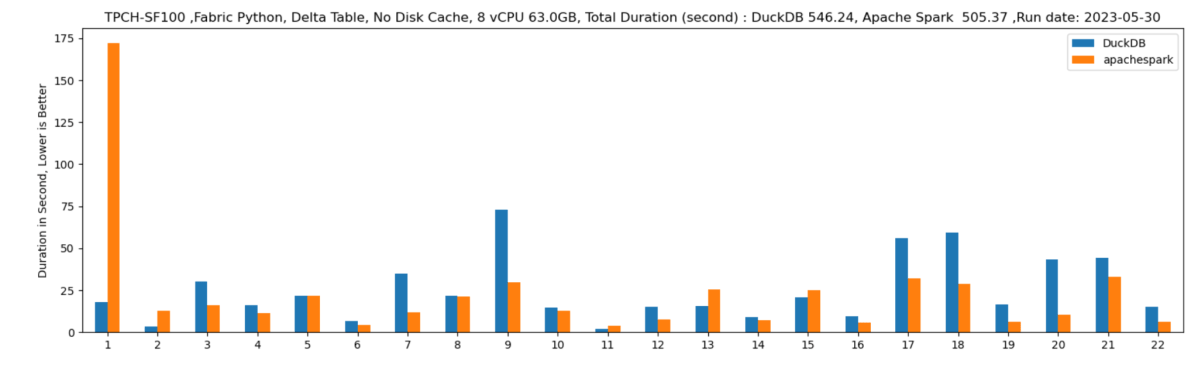
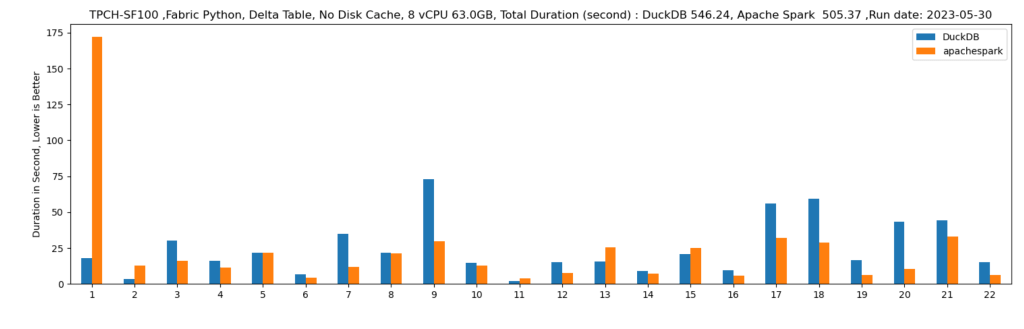
Let’s run some benchmarks and see how it behaves in real life. I generated a TPCH dataset with a scale factor of 100, it is more a less a 100 GB of data not compressed, it is relatively small data and should work just fine in 1 node (8 CPU and 63 GB of RAM). I used DuckDb as a baseline,The code for generating the data and running the benchmarks is shared here
DuckDB : 546 second
Spark : 505 second.
DuckDB is using 1 node, Spark is using 11 Nodes ( 1 Driver and 10 executors)
Parting Thoughts
- An option to configure the numbers of nodes is a must have before billing start in the first of July
- Why Spark, I am afraid Microsoft is repeating the same mistake of Dedicated Pool, a system designed for very big data but does not work well with sub 1 TB workload, even Databricks the inventor of Spark recognized that and Built the Photon Engine which is in C++, customers will end up paying for JVM bottleneck
- Microsoft has already a great experience with Azure ML that uses a single node. Why is it not available now ? it is 2023, There are many options with ultra fast single node Query Engine like Polars, DuckDB, Data fusion etc.
- My intuition is Synapse DWH Engine will be a cheaper option here when the offering becomes more mature.
I stand by everything I wrote here, but not all Engines are equal in Fabric.