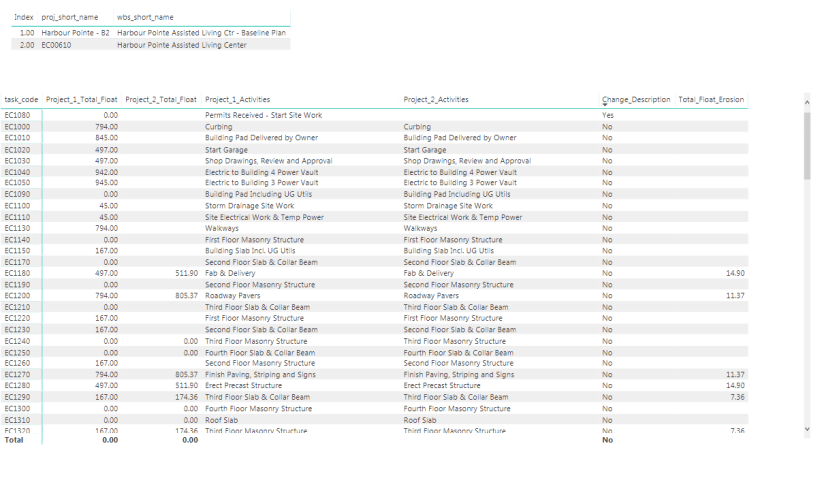
I just added a new report in the Xer reader to show the float Erosion Report between two XER, I am using the “Harbour Pointe Assisted Living Center” from Primavera P6 default installation as example.
1- Download the pbix file here
2- Save a two XER in this folder C:\XER

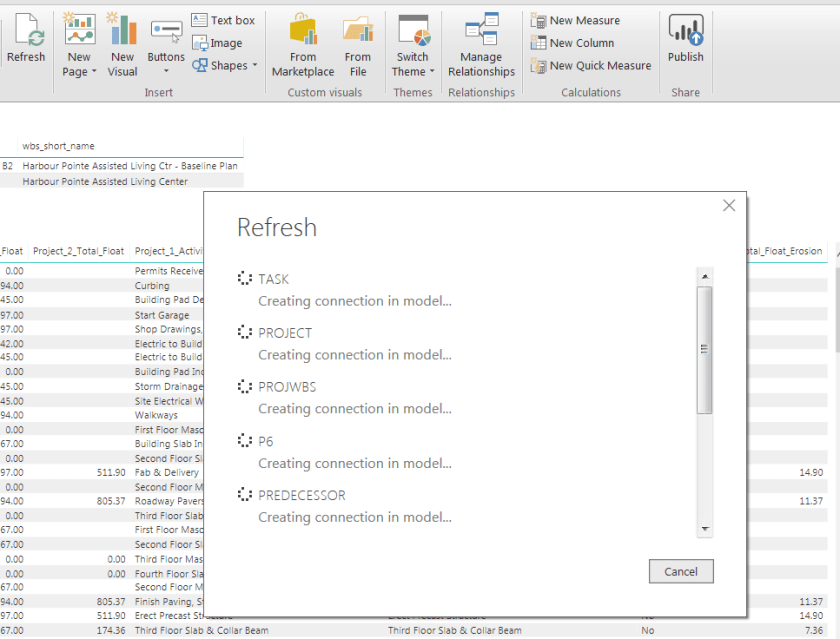
3- Refresh PowerBI Desktop
4- Review the report, and export for Excel for sharing/Further analysis.
5- if you have PowerBI service in your company then publish it there, so other users can interact with the reports.
let me know if you want to see other reports.
 Small Data And self service
Can you send me the step by step process,how to compare float between two schedule at azeem126m03@gmail.com
LikeLike
Hi. Thanks for all the content published in this blog. An explanation how the connection is done to XER file and if the tables (under the model) are manually created in the PowerBI or imported through the connection to XER file will be great.
LikeLiked by 1 person
it is imported from the xer, I shared the xer just play with it,
LikeLike