ACID Transaction in Fabric ?

TL:DR; Fabric Lakehouse don’t support ACID transactions as the Bucket is not locked and it is a very good thing, if you want ACID  then use the DWH offering

Introduction :

When you read the decision tree between Fabric DWH and Lakehouse you may get the impression that in terms of ACID support the main difference is the support for Multi Table Transactions for DWH.

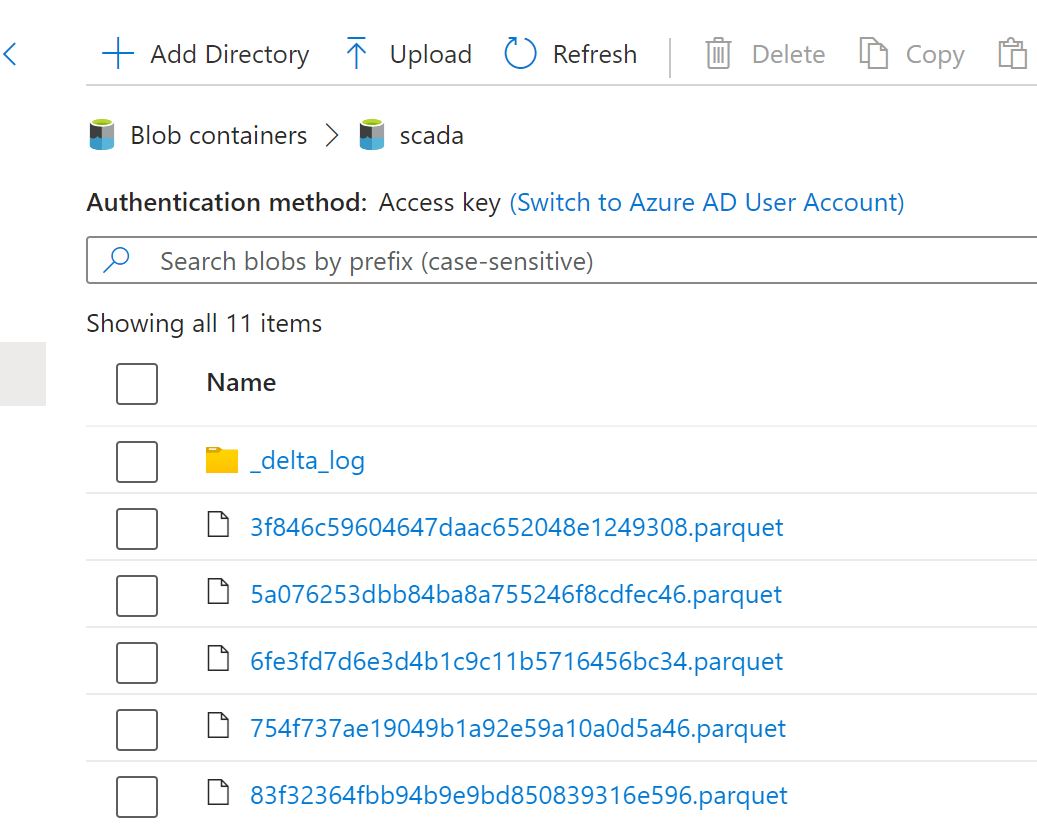
The reality is the Lakehouse in Fabric is totally open and there is no consistency guaranty at all even for a single table, all you need is to have the proper access to the workspace which give you access to the storage layer, then you can simply delete the folder and mess with any Delta table, that’s not a bad thing, it give you a maximum freedom to do stuff like Writing Data using different Engines or just upload directly to the “managed” Table area.

Managed vs unmanaged Tables

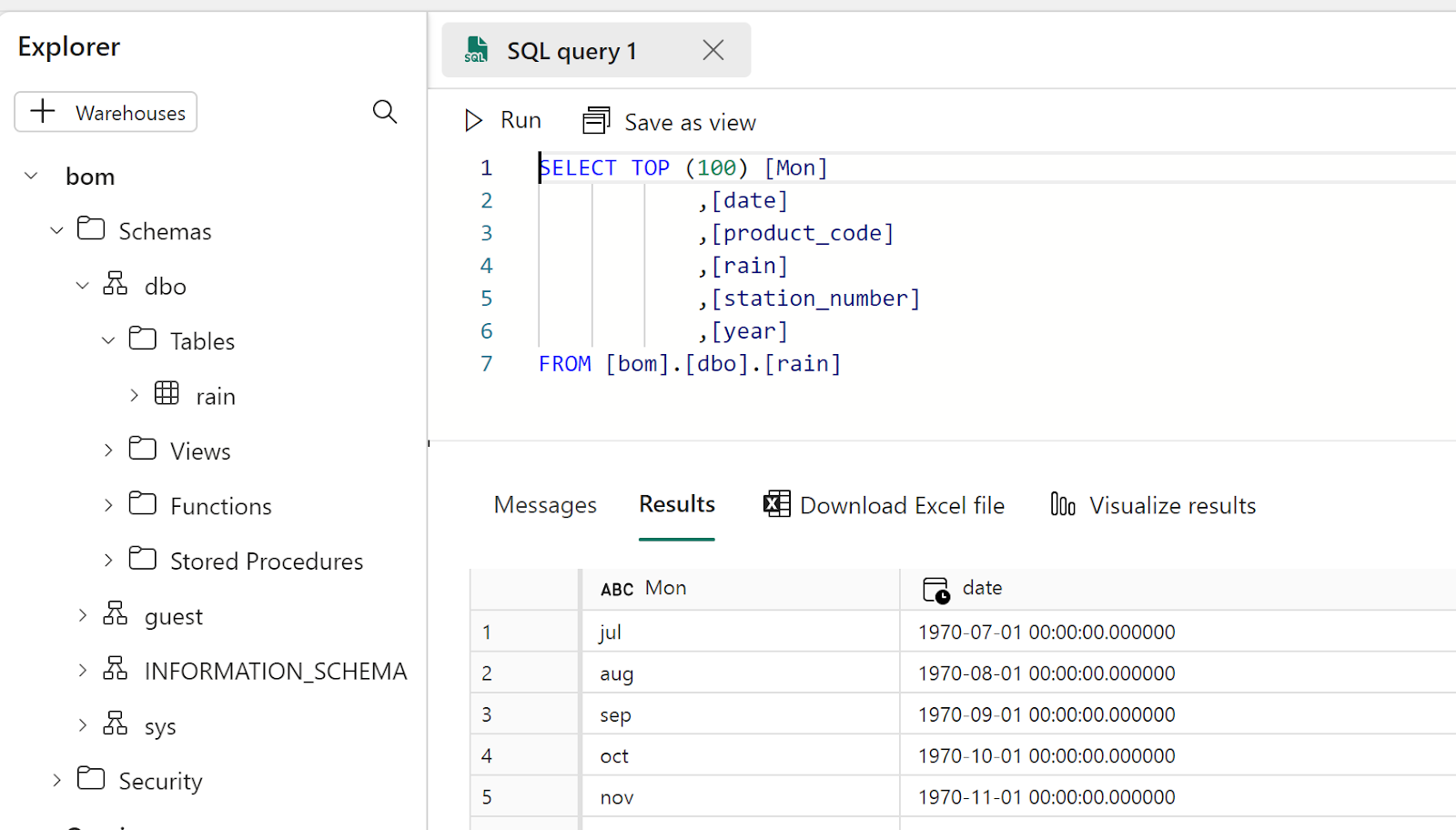
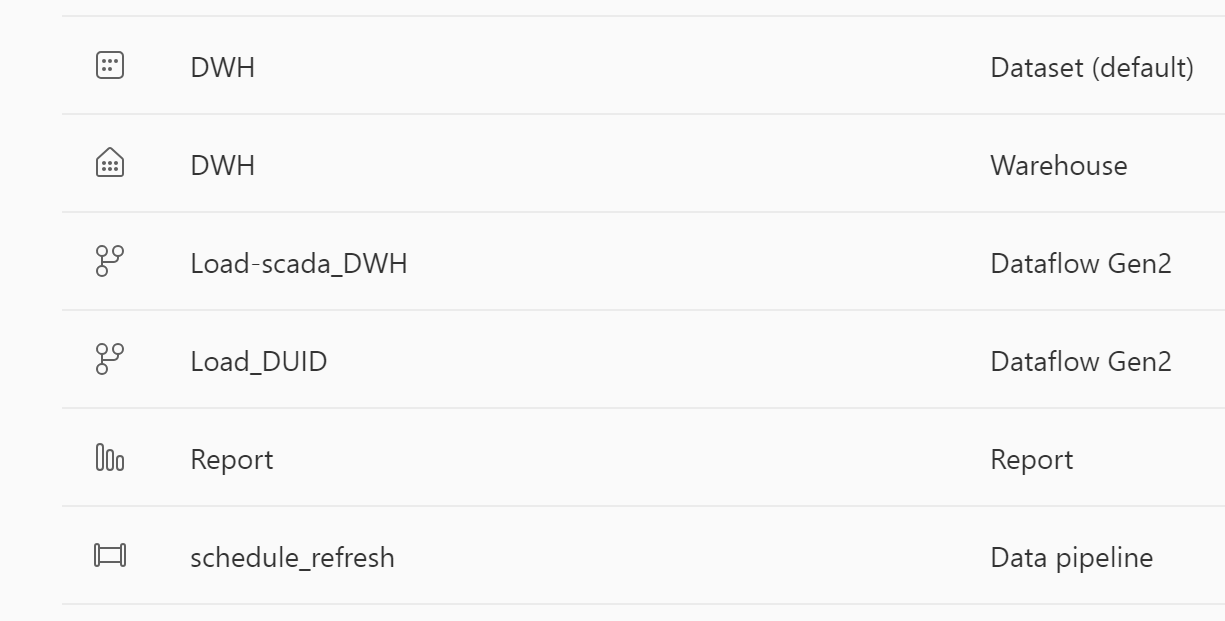
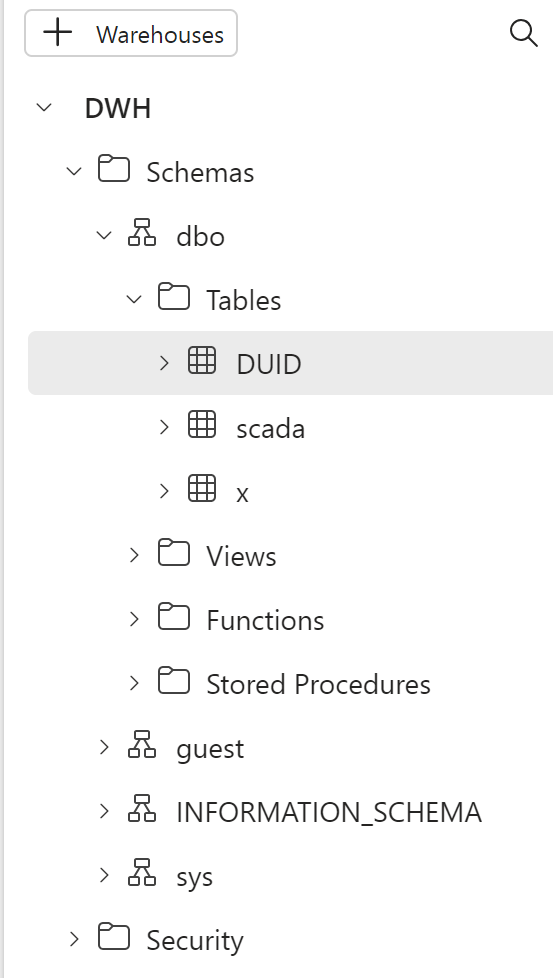
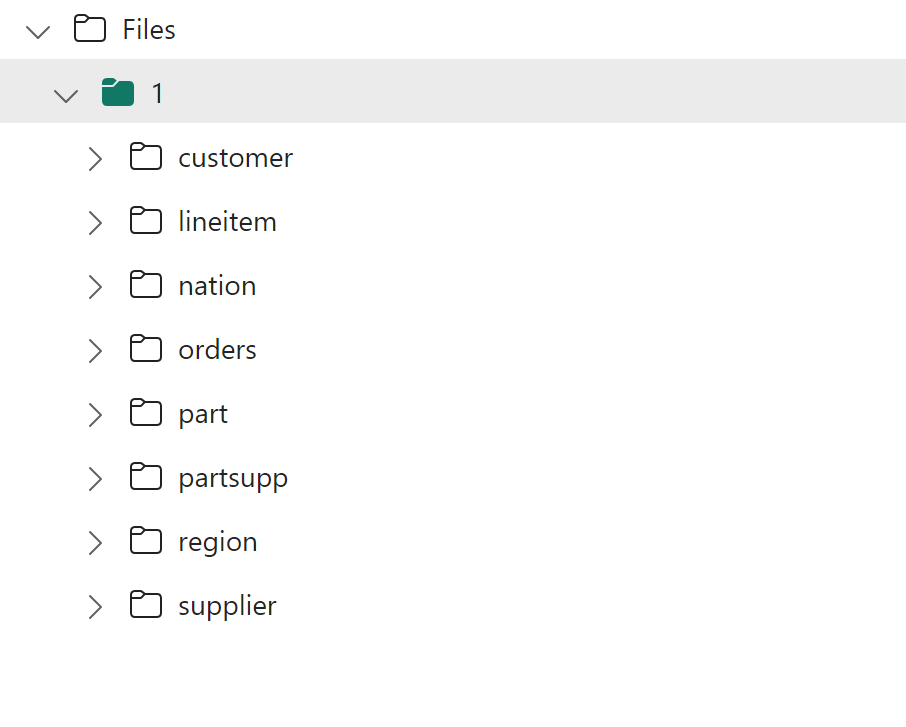
In Fabric, the only managed tables are the one maintained by the DWH, I tried to delete a file using Microsoft Azure Storage Explorer and to my delight, it was denied 

I have to say, it still feels weird to look at a DWH Storage, it is like watching something we are not supposed to see 🙂

Ok what’s this OneSecurity thing

It is not available yet, so no idea, but surely it will be some sort of a catalog, I just hope it will not be Java based, and I am pretty sure it is read Only.

How About the Hive Metastore in the Lakehouse

It seems the hive metastore acts  like a background service when you open the Lakehouse interface, it scan the section of the Azure Cloud storage “/Tables” and detect if there is a valid Delta Table, I don’t think there is a public HMS endpoint.

What’s the Implication

So you have two options : 

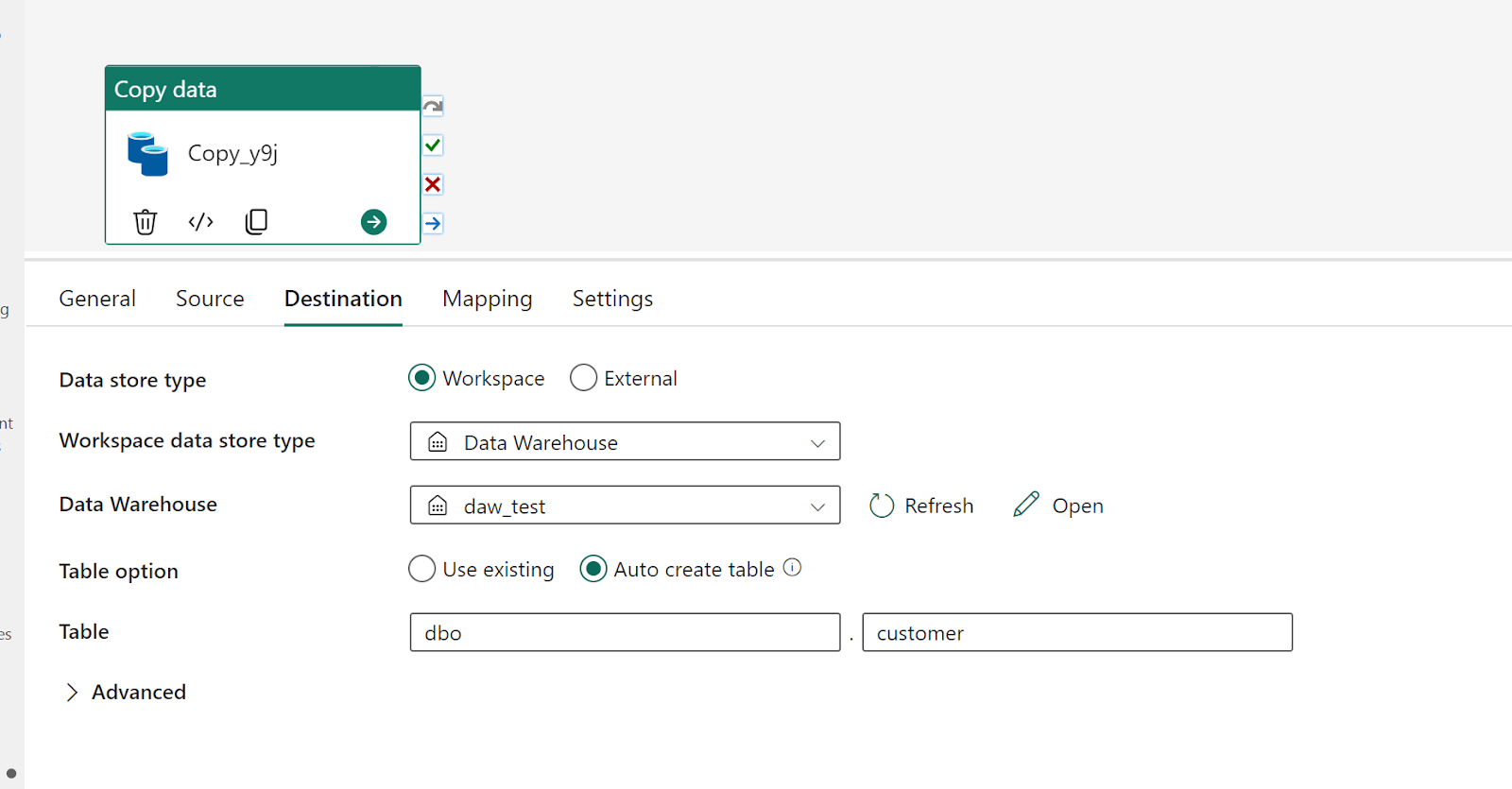
  • Ingest Data using Fabric DWH, it is ACID and very fast as it uses a dedicated Compute.

I have done a test and imported the Data for TPCH_SF100 which is around 100 GB uncompressed in 2 minutes !!!That’s very fast.

and it seems Table stats are created too at ingestion time, but you pay for the DWH usage. Don’t forget the Data is still in the Delta Table Format, so it can be read  by Any compatible Engine ( when reading directly from the storage)

  • Use Lakehouse Tables  : Fabric has a great support for reading LH Tables( stats at runtime though), but you have to maintain the Data consistency by yourself, you have to run vacuum, make sure no multiple writers are running concurrently and that no one is messing with you Azure Storage Bucket, but it can be extremely cheap as any compatible Delta Table writer is accepted.
  • Use Shortcuts from Azure Storage, you can literally build all your data pipelines outside of Fabric and just link it. see example here

It is up to you, it is a classical managed vs unmanaged situation, I suspect the cost of Fabric DWH will push it either way, personally I don’t think maintaining DB tables is a very good idea. But remember either way, it is still an Open Table Format.

Edit : 16-June -2023

Assuming you don’t modify Delta Tables files directly from OneLake, and use Only Spark code, Multiple optimistics writers to the same table is a supported scenario , previously I had an issue with that setup but it was in S3, and it seems Azure Storage is different, Anyway this is from the Horse’s mouth 🙂

Create Delta Table in Azure Storage using Python and serve it with Direct Lake Mode in Fabric.

TL;DR ; Although the optimal file size and the row group size spec  is not published by Microsoft, PowerBI Direct Lake mode works just fine with Delta table generated by non-Microsoft tools and that’s the whole point of a Lakehouse.

Edit : added example on how to write directly to Onelake

Quick How to 

You can download the Python script here, it is using the open source Delta lake writer written in Rust with a Python Binding.(does not require Spark)

Currently Writing Directly to OneLake using the Python writer is not supported, there is an open bug , you can upvote it, if it is something useful to you

The interesting part of the code is this line

You can append or overwrite a Delta table, delete a specific partition is supported too, merge and delete rows is planned

The Magic of OneLake Shortcut

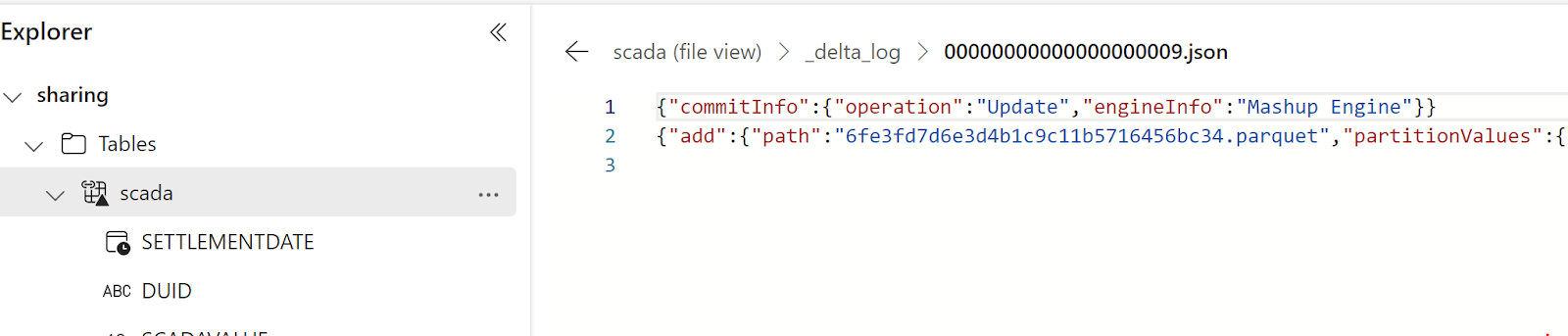
The idea is very simple, run a python script which create a delta table in Azure storage then make it visible to Fabric using a shortcut, which is like an external table, no data is copied

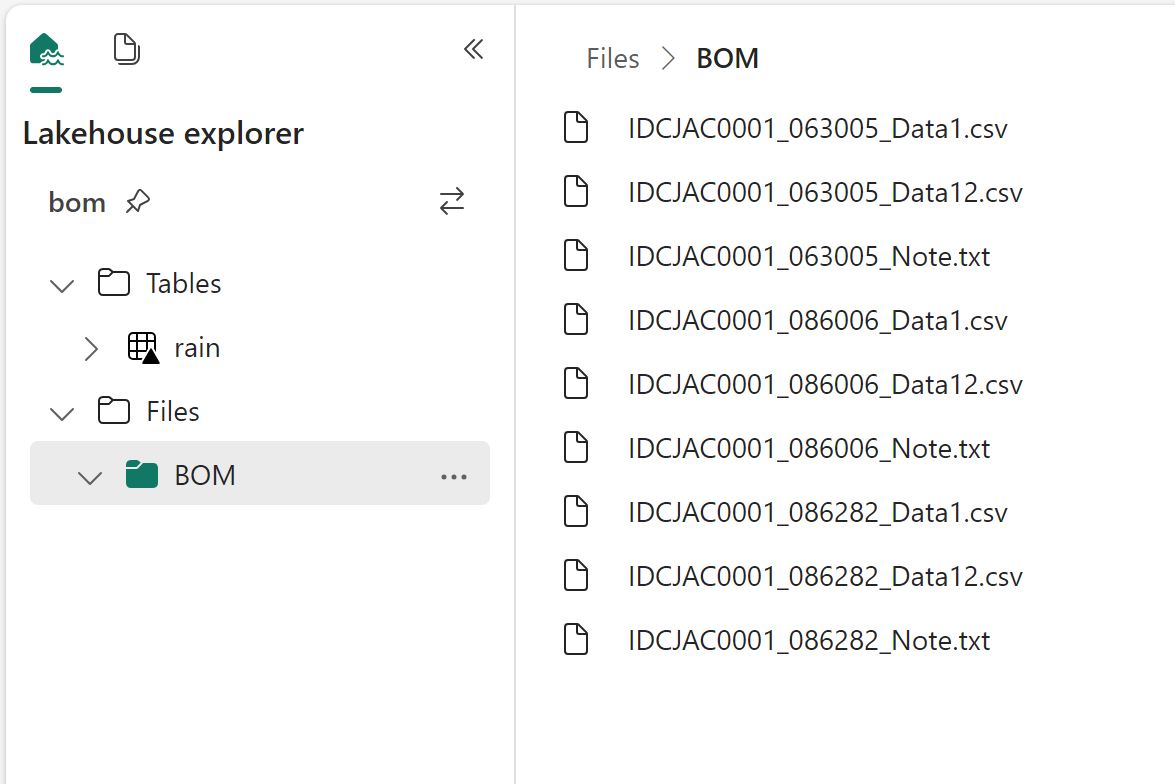
The whole experience was really joyful 🙂 lakehouse discovered the table and showed a preview

Just nitpicking, it would be really nice if the tables from the shortcut have different colors, the icon is not very obvious.

If you prefer SQL, then it is just there

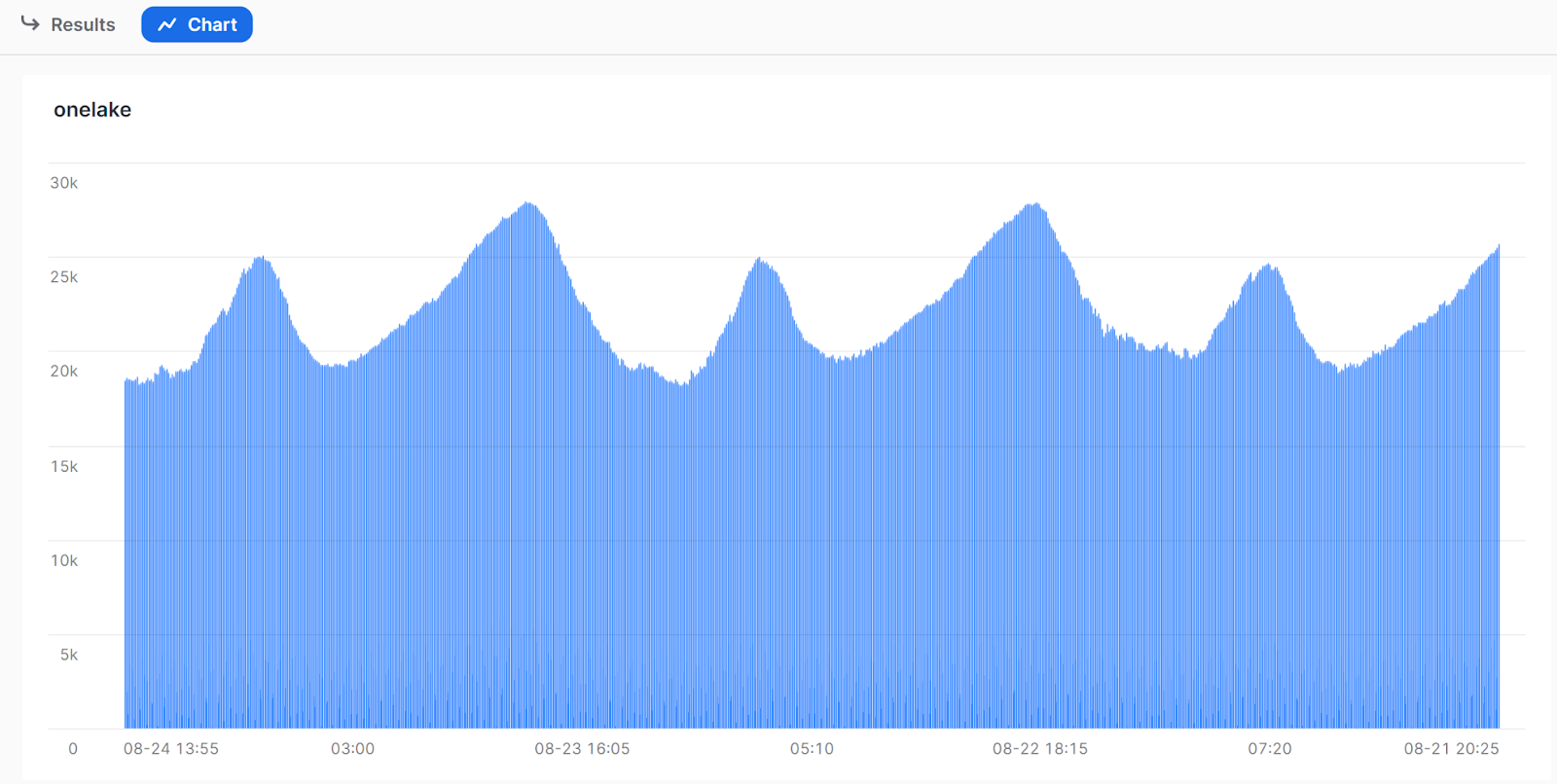
Once it is in the lake, it is visible to PowerBI automatically. I just had to add a relationship , I did not use the default dataset as for some reason, it did not refresh correctly, it is a missed opportunity as this is a case where default dataset just makes perfect sense.

But Why ?

Probably you are asking why,in Fabric  we have already Spark and dataflow Gen2 for this kind of scenarios ? which I did already 🙂 you can download the PowerQuery and PySpark Script here

So what’s the best tool ? I think how much compute every solution will consume from your capacity will be a good factor to decide which solution is more appropriate, today we can’t see the usage for Data Flow Gen2 so we can’t tell.

Actually , I was just messing around, what people will use is the simplest solution with less friction, a good candidate is Dataflow Gen2, and that’s the whole point of Fabric, you pay for convenience, still I would love to have a fully managed single node python experience.

Importing Delta table from OneLake to PowerBI

A very quick blog on how to import Delta Table to PowerBI Desktop, probably your first question is why ? doesn’t the new Direct Lake solve that ?

  • Direct lake assumes the compute to be running all the time, which does not make a lot of sense if you want to reduce your Fabric Bill and you are using pay as you go model.
  • Import mode has been battle tested since 2009, Direct Lake is still very early tech and will take time to mature.
  • That’s a side effect of using delta table as the tech for Onelake lakehouse, it does not require a running catalog, the One Security Model will require a running compute of some sort, we don’t know the details but that’s a discussion for another day.

Get the URL

Sandeep has a great blog, go and read it

Import Dataflow to your PowerBI Workspace

       I am using the code from this blog, ( I know, I just copied other people ideas, but at least I give credit ) , to make it easier, I created a simple Dataflow where all you need is just to import the json to your PowerBI workspace and change the parameter for the OneLake URL

WARNING : Don’t use in your desktop, you will be charged for egress fees

You can download the json here , create a new dataflow, choose this Option

Ignore the authentication error, first change the Onelake URL to something like this

That’s all, now go and turn off that F2 instance, you are welcome 🙂

First Look at Fabric Serverless Spark

Edit :4-sep-2023 : Fabric added supported for single node with started pool, that literally changed the product, I am keeping the blog for “historical” reason 🙂

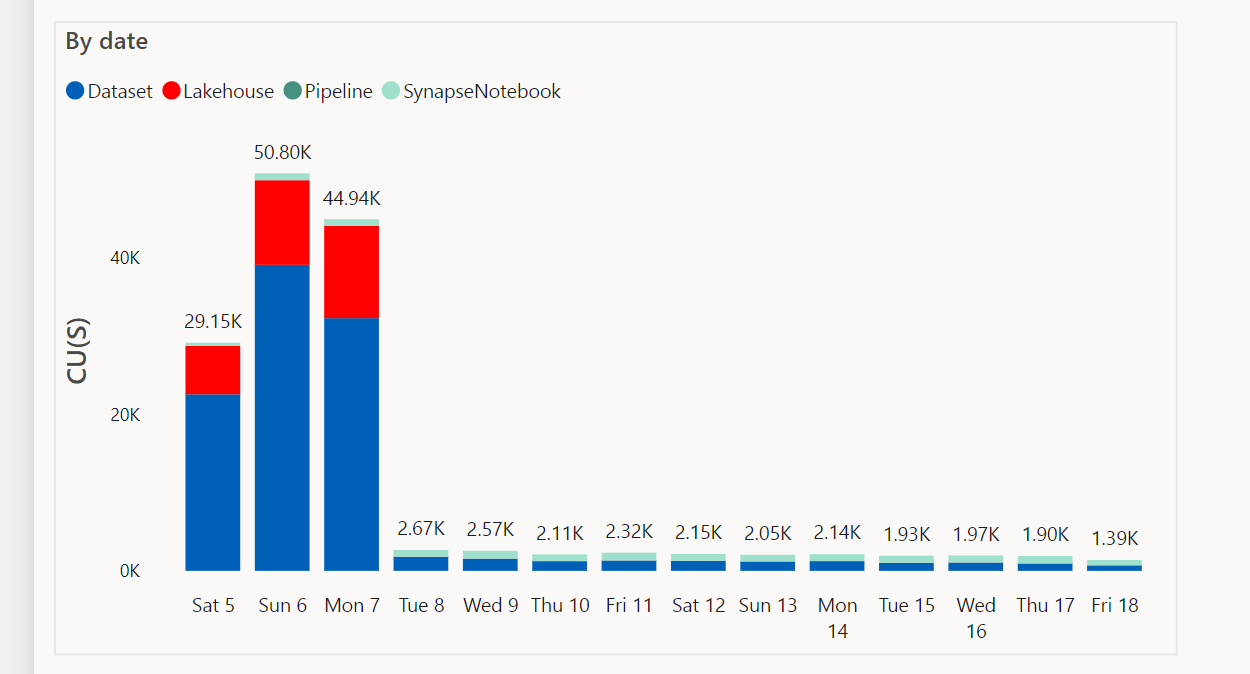
TL:DR; Fabric redefined the meaning of self service Python experience, but I think it is recommended to turn off Serverless compute till we have a knob to configure the maximum number of nodes, Spark for small workload is not very impressive and there are better alternatives. In TPCH-SF100 DuckDB was nearly 10 times cheaper.  

Fabric provide a serverless Python experience, you don’t need to provision anything, you write code and click run

I have to admit, it stills feel weird to open PowerBI and see Notebook in the workspace, maybe this will be the biggest boost to Python in non tech companies, 

You can actually Schedule a Notebook without writing any code, yep no cron job.

Local Path

Somehow you read and write to OneLake which is an ADLS Gen2 using just local path, it was so seamless that I genuinely thought I was writing to a local filesystem, that’s really great works, it did work with Pandas , Spark obviously and DuckDB, there are bugs though, Delta Lake writer (Python not Spark) generate an error

Default Runtime

Microsoft maintains a massive pool of warm Spark VM, waiting to be called by users, it is pretty much a sub 10 second in my experience

You can build your own cluster but it will not be serverless, and you have to wait for up to 5 minutes. To be honest, I did try it and got an error, it seems the product team is aware of it and will push a fix soon.

Resource management in Spark is weird

DWH are really good at working with multiple users concurrently, you write a Query you send it to the DB you get results back, a DB can accept multiple Queries concurrently and can even put your Query under heavy traffic in a queue. And can return results instantaneously if the queries are the same. As far as I can tell, at least in Fabric, everytime you run a notebook, it will spin up a new Spark compute the sessions are not shared ( it is planned though) and you can’t configure how many vm Spark decided to use, in theory it is handled by the system, I am afraid it is a very problematic decision.

Take for example BigQuery scan mode, it is totally serverless and can use a massive amount of resources, but that’s not an issue for the user, you pay by data scanned, the resource is BigQuery Problem.  For Fabric Spark serverless you pay by compute used and there is no way to assign a maximum limit, (it seems it is coming soon,but I believe only what I see) honestly that’s a very strange decision by Fabric product team.

In the trial capacity we have 1 Driver and up to 10 executors, and the clusters are not shared, you can easily consume all your capacity if you have some users that just write some silly code in Python, this is scary. 

Testing resources Allocation in Spark Serverless 

Spark Serverless assume the Engine will just allocate what’s required, so technically , for a smaller workload it will use only 1 node ( is it 1 driver or 1 driver + 1 executor  I don’t know)

Let’s run some benchmarks and see how it behaves in real life. I generated a TPCH dataset with a scale factor of 100, it is more a less a 100 GB of data not compressed, it is relatively small data and should work just fine in 1 node (8 CPU and 63 GB of RAM). I used DuckDb as a baseline,The code for generating the data and running the benchmarks is shared here

DuckDB : 546 second

Spark    : 505 second.

DuckDB is using 1 node, Spark is using 11 Nodes ( 1 Driver and 10 executors)

Parting Thoughts

  • An option to configure the numbers of nodes is a must have before billing start in the first of July

  • Why Spark, I am afraid Microsoft is repeating the same mistake of Dedicated Pool, a system designed for very big data but does not work well with sub 1 TB workload, even Databricks the inventor of Spark recognized that and Built the Photon Engine which is in C++, customers will end up paying for JVM bottleneck 
  • Microsoft has already a great experience with Azure ML that uses a single node. Why is it not available now ? it is 2023, There are many options with ultra fast single node Query Engine like Polars, DuckDB, Data fusion etc.

  • My intuition is Synapse DWH Engine will be a cheaper option here when the offering becomes more mature.

I stand by everything I wrote here, but not all Engines are equal in Fabric.