PowerBI Direct Lake misconception

The first time I used Direct Lake I was blown away by the performance, it was just too good to be true,import performance with nearly instant refresh time, a month later, I have better understanding, the first impression is still valid but it is more nuanced, there is always a tradeoff 

Import Mode

Let’s take a simple analytical pipeline using PowerBI service, reading a csv file from a web site, you will have something like this

Ingestion : 

  • Download the csv
  • Sort it, and Compress it  and save it into PowerBI Proprietary columnar file format in Azure Storage

Query : 

  • When a Query arrive in the service load the columns from PowerBI file in Azure Storage to the Server RAM

When people use import mode they usually means those two stages (Ingestion and Query), refresh in import mode means ingest new data and load it to RAM

Direct Lake Mode

In Direct Lake mode, more or less the Query stage is the same, that’s a great technical achievement from the Vertipaq team, instead of scanning PowerBI storage file, you do the same for Parquet

But here is the catch: refresh is nearly instantaneous because it is not doing much, the ingestion of new data did not magically disappear but has to be done elsewhere.

Who does the Ingestion then ?

You can use Spark, Dataflow Gen2 , Fabric DWH etc to create and update the Parquet files, or if you are lucky and your system produce Delta lake tables with the right file size etc, you hit the jackpot 

Why you may not want to use Direct Lake

  • It is a Fabric only feature.( edit : you can use shortcut to an existing Azure storage bucket , but you still need OneLake running, Hopefully one day, we can run Queries directly from an object store using PowerBI Desktop)
  • You use calculated column, calculated table
  • If your users interact with the data using only PowerBI reports then it is not worth the added complexity.
  • It does not work with PowerBI desktop, my understanding, it will fall back to Fabric SQL Engine.
  • Storing all the tables and metadata in one file is a very powerful concept and works very well in the desktop, which is still the main development environment for users.
  • Not specific to PowerBI but usually for pure performance , proprietary Storage files are faster for the simple reason, they are super optimized to the Query Engine and have no compatibility requirement.

Why you may want to use Direct Lake

  • If you have a use case where import mode was painful or literally did not work.
  • Somehow you have a system that produces Delta Lake Tables with the right file size and row groups.
  • Because ingestion is done outside PowerBI, you may get less memory pressure which is still the biggest bottleneck in PowerBI.
  • You want to share Data to non PowerBI users.

What will be really nice.

Today Both import and Direct Lake don’t push down filters to the storage file, I think there is an expectation that BI Query Engine should support data that don’t fit in memory.

It will be nice too if Direct Lake support more table format like Hive and Iceberg

Fabric as a OS for analytics 

Introduction

Was listening to this short Video (Fabric Espresso: Will Fabric replace Azure Synapse?) and the VP of Synapse described Fabric as the OS for analytics, and I think it is not simply marketing talk but they are into something, This short blog will show that using DuckDB in Fabric maybe a useful scenario.

OneLake Throughput is the unsung hero of Fabric 

I tried to run DuckDB before in the cloud and all the systems I used Google Colab, Cloud functions, AWS Sagemaker etc have the same limitation, The throughput from the remote storage is just too slow, Fabric Onelake which is based on Azure ADLS Gen2 has an amazing throughput see this example

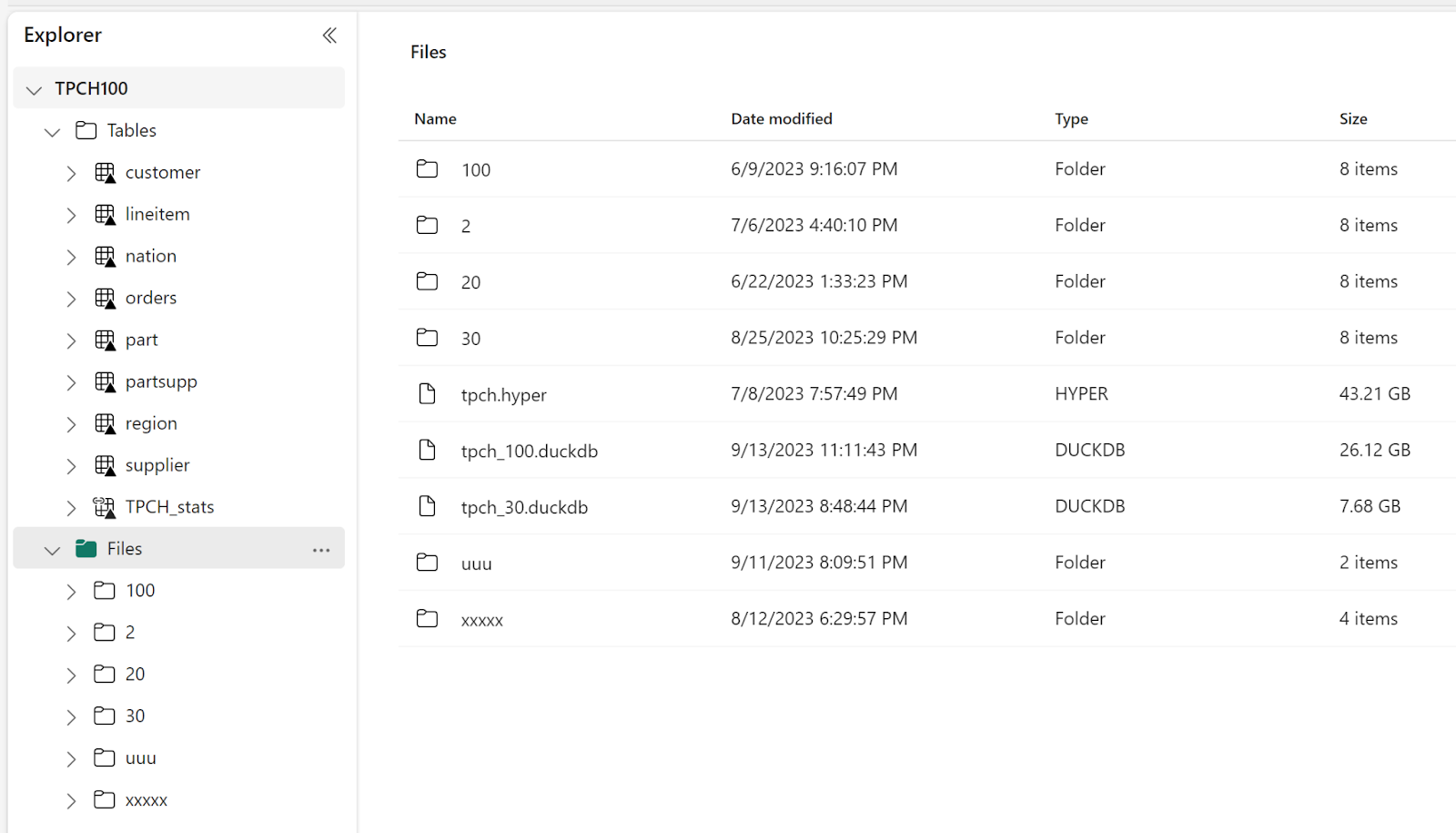
The file size is 26 GB , that’s nearly 433 MB/s, this is simply amazing, as a reference last week I bought one of those cheap USB flash drives and the read speed was 132 MB/s.

DuckDB reading Directly from Remote Storage

DuckDB is very fast when reading from a VM SSD especially when using the proprietary file format, but realistic speaking users in fabric would probably be more interested in reading directly from the Delta table, so I avoided creating another copy with DuckDB storage file.

I  test  two approaches

  • Import the data into Memory and than run the queries
  • Run the queries Directly from OneLake

The script is available here, the main Table is rather small 60 million rows, I am using just 4 cores, and the results are very interesting

32 second to import to Memory this includes decompressing and rewriting the data using DuckDB format (in RAM), but it is done only once.

24 seconds to run the Queries using 4 cores, just to give you an idea , another famous lakehouse vendor when using the same data, The Engine requires 16 cores and finishes the queries in around 40 seconds.

Running the queries directly from OneLake took 58 seconds, I notice though that Query 9 is particularly slow, which usually means a bad query Plan.

I run a profile on that Query and indeed when running directly from Parquet, DuckDB got the join order wrong, as DuckDB ignore the stats when reading from Parquet ( according to the dev, most stats in parquet are wrong anyway)

Note : I use Delta lake package to get the correct list of Parquet files to read, you can read directly from Delta using arrow dataset but it is slower.

Take away

In The medium term, we can imagine Fabric supporting More Engines. There is already some talks about SQL Server (although Parquet is not designed for OLTP, but that’s another subject)  The storage layer which is the foundation for any analytical work is very solid, the Throughput is very impressive, let’s just hope we get a lighter VM to run smaller workloads.

DuckDB currently does not support Buffer pool when reading from remote storage, I am afraid they need to add it. Microsoft supporting Delta has changed the market dynamic and DuckDB can’t ignore it. Parquet alone is not enough, we need those Delta stats for better Query plans.

Save Fabric Delta Tables as DuckDB file

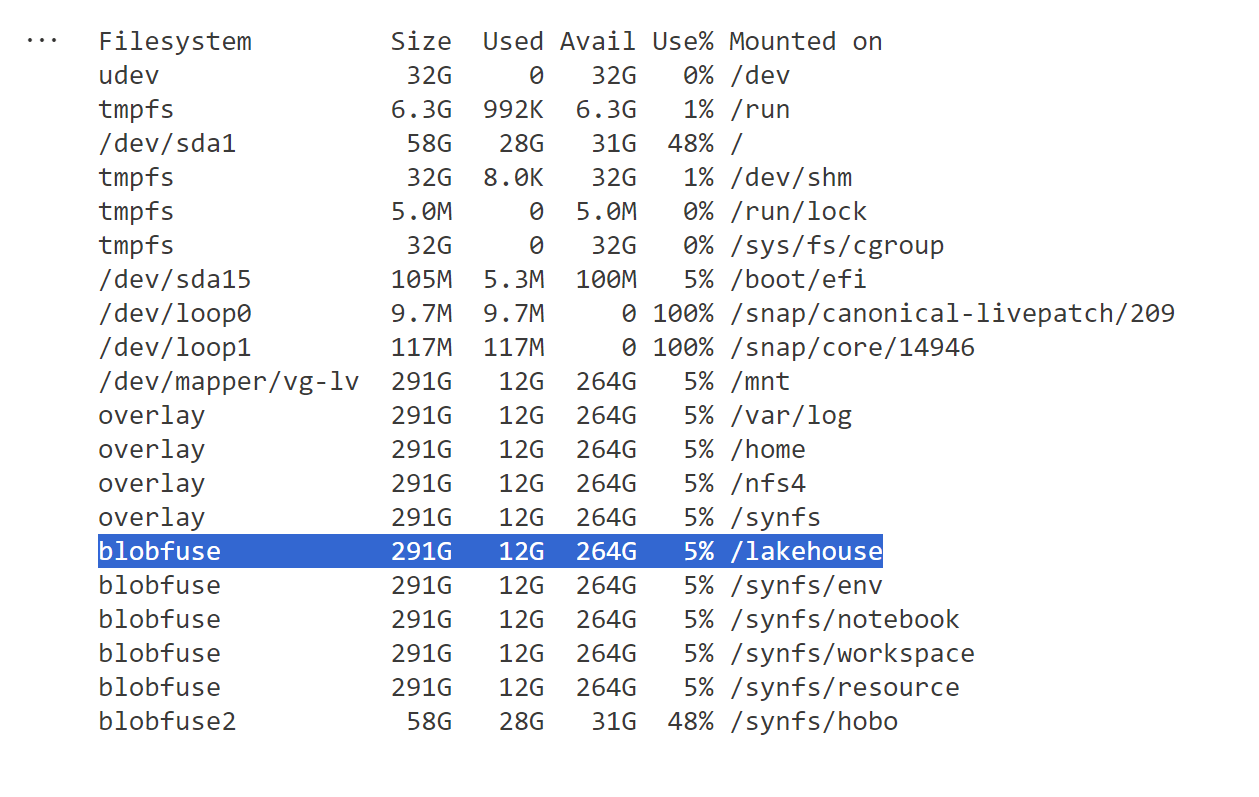
The file section of Fabric Lakehouse is very interesting as although it is a blob storage, somehow behaves more or less like a real filesystem, we leverage that to save all Delta Tables in one DuckDB file

Limitation

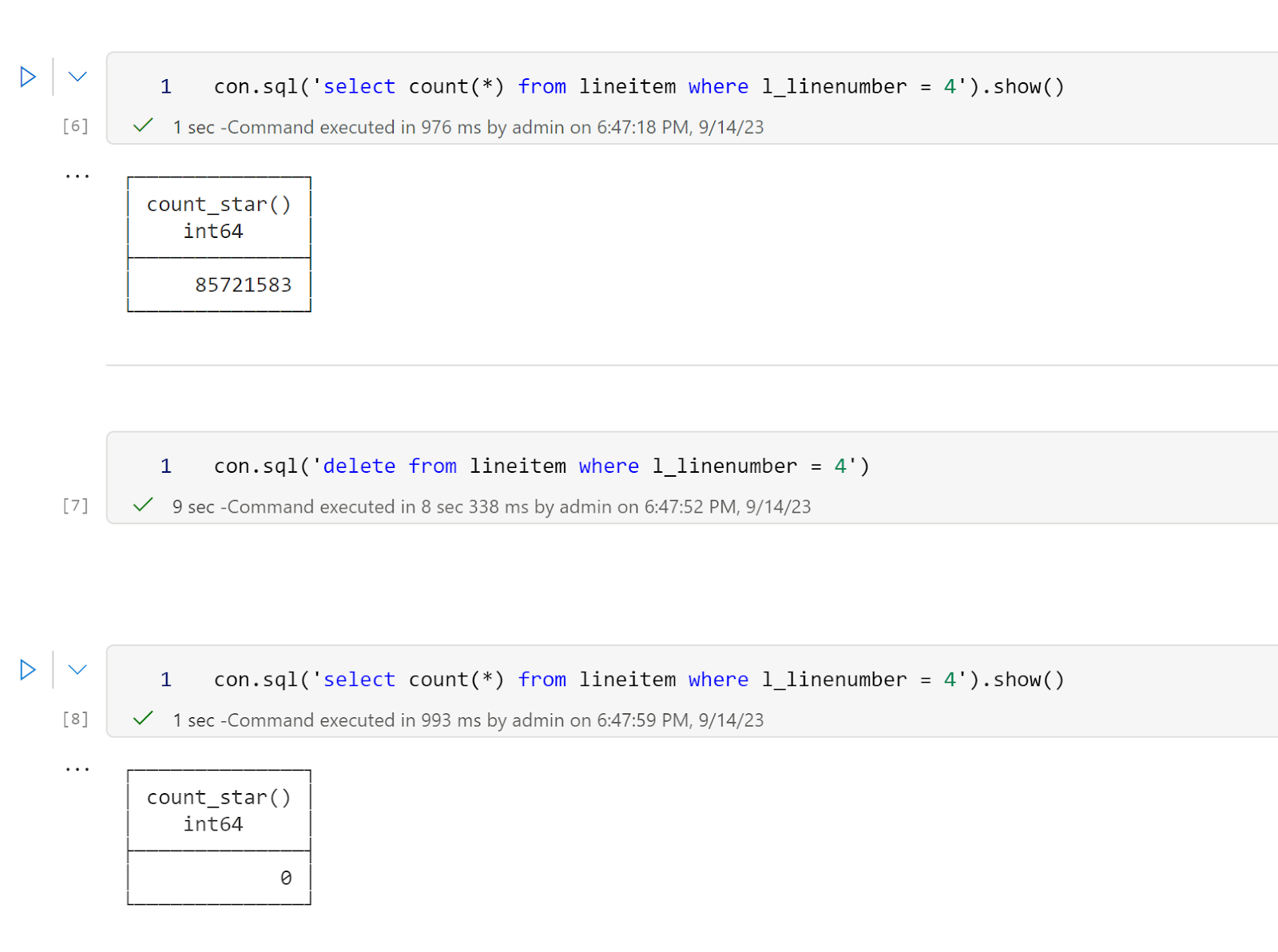
  • DuckDB storage format is experimental at this stage and doesn’t offer backward compatibility yet, everytime they upgrade a major version, you have to export the file to parquet and import it back.
  • I am using Python Deltatlake package to read the Delta table, currently it supports only Delta reader version 1, which Microsoft uses, but this may change in a future update of Fabric.

How it works

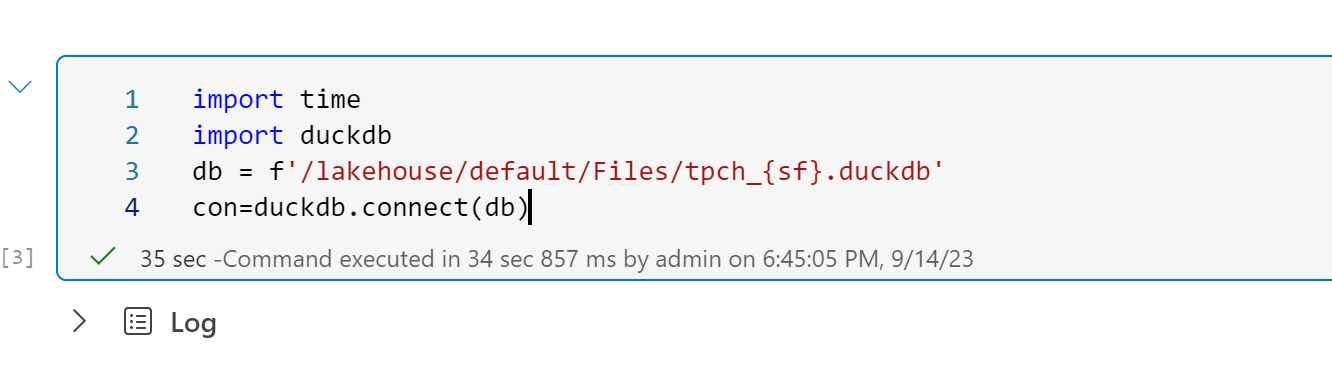
Install DuckDB and Delta lake, and copy this function

The data will be saved for the current version of the table, old data not removed by vacuum will be ignored.

A note about concurrency

You can have multiple readers using the file at the same time (Using read_only=True), but multiple writers is  not a supported scenario nor 1 Writer and multiple reader, use at your own risk 🙂 Having said that, in the case of 1 writer and multiple reader the worst case scenario is reading inconsistent data 🙂

What is the Fastest Engine to sort small Data in a Fabric Notebook?

TL;DR : using Fabric Python Notebook to Sort and Save  Parquet files  up to 100 GB shows that DuckDB is very competitive compared to Spark even when using Only half the resources available in a compute pool.

Introduction : 

In Fabric the minimum Spark compute that you can provision is 2 nodes, 1 Driver and 1 Executor,  my understanding, and I am not an expert by any means is : Driver Plan the Work and Executor do the actual Works, but if you run any no Spark code, it will run in the driver, basically DuckDB use only the driver, the executor is just sitting there and you pay for it.

The experiment is basically : generate the Table Lineitem from the TPCH dataset as a folder of parquet files and sort it on a date field then save it. Pre-sorting the data on a field used for filtering is a very well known technique.

Create a Workspace

When doing POC, it is always better to start in a new workspace, at the end you can delete it and it will remove all the artifacts inside it. Use any name you want.

Create a Lakehouse

Click New then Lakehouse, choose any name

You will get an empty lakehouse (it is a just a storage bucket with two folders, Files and Table)

Load the Python Code

The Notebook is straightforward, Install DuckDB , create the data files if they don’t exist already, sort and save in a delta table using both DuckDB and Spark

Define Spark Pool Size

By default the notebook came with a starter pool that are warm and ready to be used, the startup is in my experience is always less than 10 second, but it is a managed service and I can’t control the number of nodes, instead we will use custom pool where you can choose the size of the compute and the number of nodes in our case 1 driver and 1 executor,  the startup is not bad at all, it is consistently less than 3 minute.

Schedule the Notebook

I don’t not know, how to pass a parameter to change the initial value in the pipeline, so I run it using a random number generator`, I am sure there is a better way, but anyway, it does works, and every insert the results

The Results

The Charts  show the resource usage by data size, CPU(s) =  Duration * Number of cores * 2.

Up to 300 Million rows, DuckDB is more efficient even when it is using only half the resources. 

To make it clearer , I build another chart that show the Engine combination with less resource utilization by Lintem size

From 360 Million rows, Spark became more economical ( with the caveat that DuckDB is just using half the resources) or maybe DuckDB is not using the whole 32 cores ?

Let’s filter only DuckDB

DuckDB using 64 cores is not very efficient for the size of this Data.

Partying Thoughts

  • Adding more resources to a problem does not make it necessarily an optimal solution, you get faster duration but it costs way more.
  • DuckDB Performance even using half the compute is very intriguing !!!
  •  Fabric Custom pools are a very fine solution, waiting around 2 minutes is worth it.
  • I am no Spark expert, but it will be handy to be able to configure at runtime a smaller Executor compute, in that case, DuckDB will be cheaper option for all sizes up to 100 GB and maybe more.