Edit: ducklake added support for SQL Server, so this hacks is not more needed
DuckLake supports multi-writer just fine — but only if your catalog is a real database, like Postgres (there’s some interest in SQL Server support too). But if all you have is object storage and a SQLite or DuckDB file as the catalog, you’re stuck with single-writer: object stores aren’t real filesystems, so the DB file can’t be locked. Nothing stops two processes from writing to it at the same time and corrupting it.
If single-writer is enough for you (one notebook, one pipeline, one user), you don’t need to stand up a database server. You just need accidental concurrent runs to fail fast.
The trick: take a blob lease
OneLake speaks the ADLS API, so you can take a lease on a blob — a mutex for free (it seems S3 needs DynamoDB and GCS needs a homemade lock object). Each run does:
- Acquire a lease on
metadata.dbinabfss://. - Download it to local disk of the notebook.
- Point DuckLake at the local copy and do the work.
- Upload the modified file under the lease.
- Release the lease.
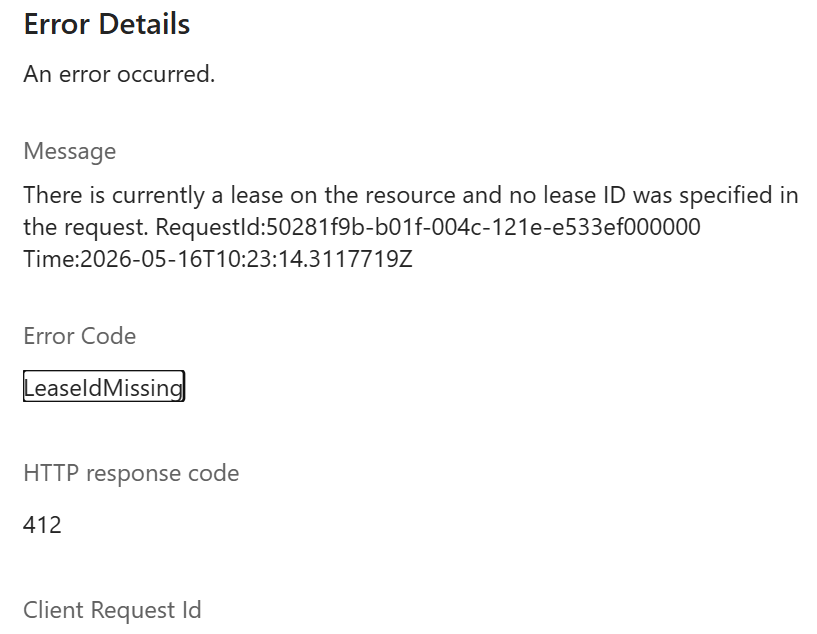
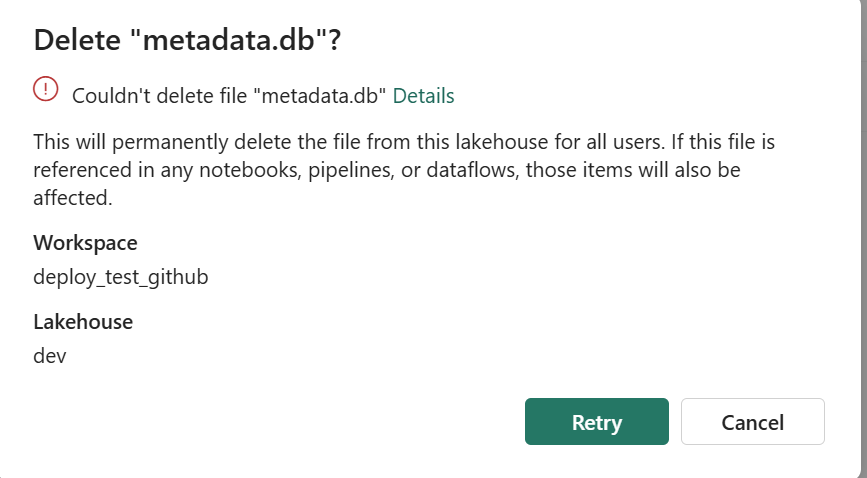
A second notebook that starts while the lease is held fails immediately on acquire_lease. It can’t even read a stale copy. and you can’t delete the file using the UI , I can see already some uses cases here:)
What about crashed runs?
ADLS leases are either 15–60 seconds fixed, or infinite. Fixed leases need a heartbeat — annoying inside a notebook. Infinite leases work until something crashes — then the file is stuck.
The fix: take an infinite lease, but stamp acquired_at = <utc iso> into the blob’s own metadata when you acquire. When the next run hits a lease conflict, read that timestamp. Older than 12 hours? Call break_lease and re-acquire. A crashed run self-heals within 12 hours. You can shorten that window, or break the lease manually with a one-line script if you can’t wait — there’s a snippet in the README.
Code is here.

