TL;DR : Random observations after using Snowflake for a couple of hours, there is a lot to likes but mixed feeling about the cost.
For no obvious reason, I felt an urge to try Snowflake, The setup was trivial, you get 30 days trial with $400, no Credit card required.
Snowflake is multi cloud product, first I had to choose the cloud provider and the region, My Personal PowerBI instance is in Melbourne, unfortunately as of this writing it is Only Available in Azure Sydney Region, it make sense to choose the same region for two reasons
- Latency, inter region Transfer take more time
- Egress Cost, Cloud Provider charge for Inter Region Transfer
For the record my personal data is in GCP Tokyo , but Snowflake is not available there.
User interface
The User interface is very neat and simplistic ( Good thing), I did not need to check any documentation
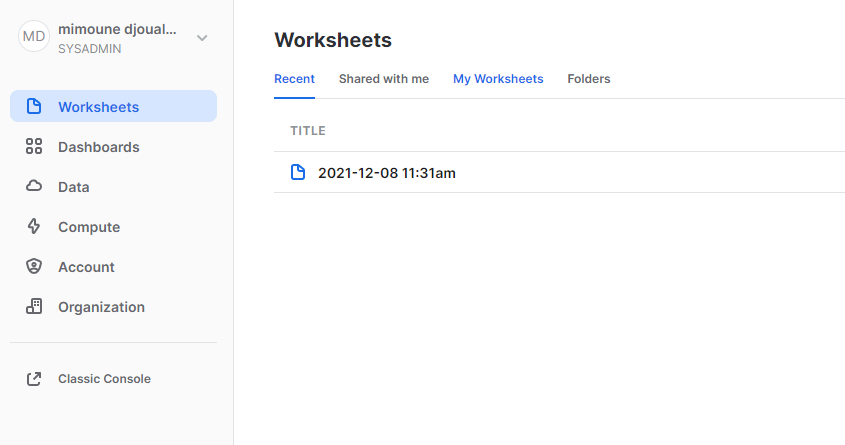
Snowflake provide free sample data by default
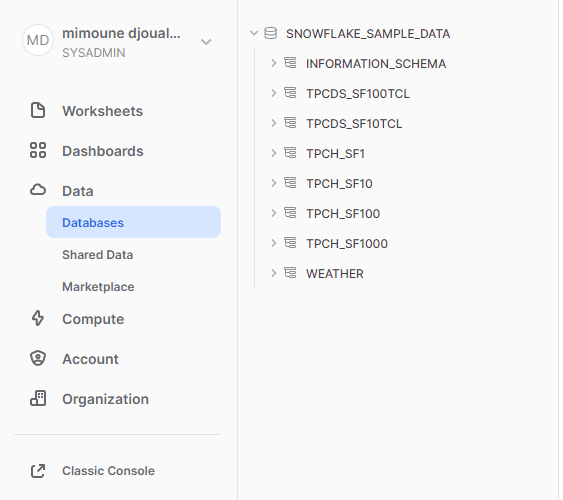
and Obviously, you can browser all kind of data from the Marketplace , it is very well integrated and seems trivial to use, as you have noticed already, Snowflake like BigQuery has a total separation between Storage and Compute, so far so good.
Preview Data
I click on Data Preview, and I got this message
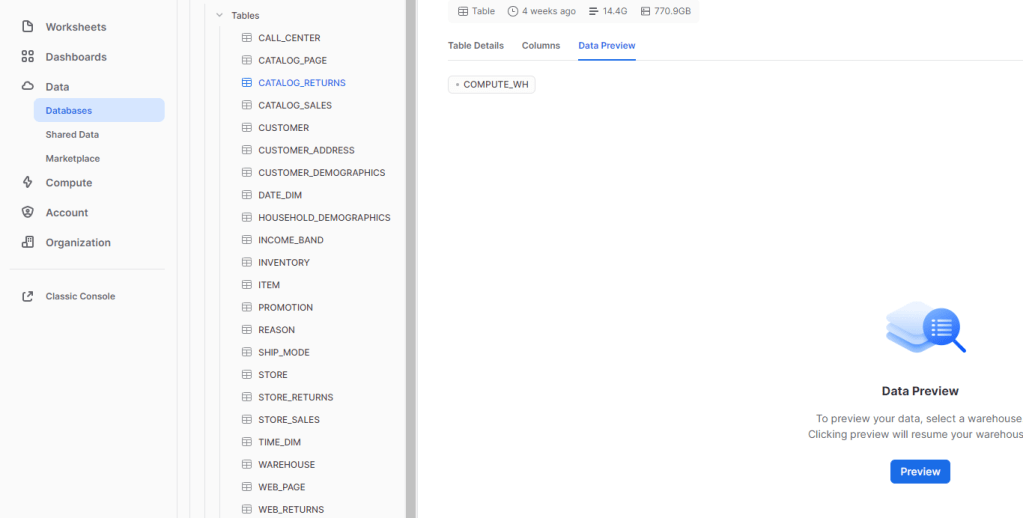
Yes Unlike BigQuery, Data Preview is a paid operation and require a Cluster running.
Create a new Cluster
This is the core feature of Snowflake, creating a new cluster is trivial, as a test, I create the smallest possible Cluster.
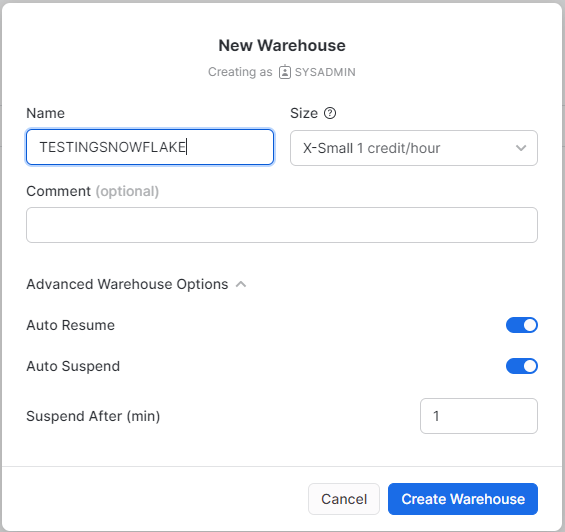
The Cluster was up and running in a couple of seconds, very Impressive, and the way it works is very simple.
if there is no Query Running, it will shut down after 1 minute ( or whatever you choose), When a new Query showed up for example from a BI tool, the Engine very quickly wake up !!!!
The Minimum Cluster, I could setup was X-Small and it cost 1 credit/Hour ( 2,75 $/Hour), but you pay per second with a 1 minute minimum , I am using Standard Edition, Enterprise edition cost more.
Note : As a BigQuery enthusiast, I hope Google release the auto flex slot
Notice here, Snowflake is not simply a cluster to Run some Queries, but it does have a Service Layer which do a lot of operations behind the scene, personally I am mainly interested in free Results cache, which is freaking fast , as low as a 50 ms !!!!
Query History Log
A nice Query history log, I really liked the Client Driver, you can easily tell, if the Queries are coming from an external BI tools or Query from the Console, one very very annoying thing, if you change that view and you came back, you lose the selection and you have to select the columns again, I wish Snowflake could save the customization of the columns.

Query Console
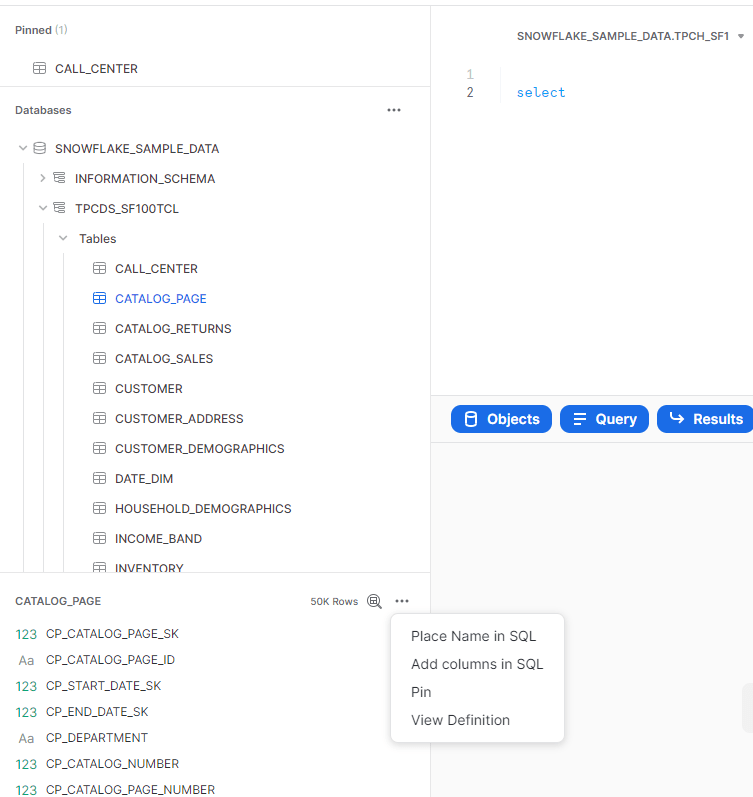
it was not very obvious, but to select columns name, you need first to click on a table which open a panel then Click on those three little dot, (it is obvious once you know it) , there is no multi tab support, new Query open a new Window, but honestly seeing the new BigQuery UI, maybe it is not a bad idea after all 🙂
Performance
My initial plan was to use a copy a SQL Script from BigQuery that uses Loops, but turn out Snowflake don’t support DO while ( it is coming for SQL ), there is a workaround using javascript which I may use later, but instead, and just to have a first impression, I used a PowerBI report in DirectQuery mode and see how it goes.
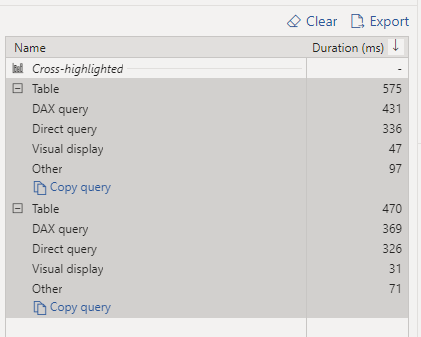
Snowflake Driver for PowerBI is amazing, I never saw a sub second Direct Query in PowerBI before, even when returning 1 row from cache, ( BigQuery Driver for PowerBI is not optimized, I don’t really knows who to blame, Google or Microsoft or probably both, turn out it is Google responsability)
I am using TPCH_SF10 dataset, the main fact Table contains 60 Million records
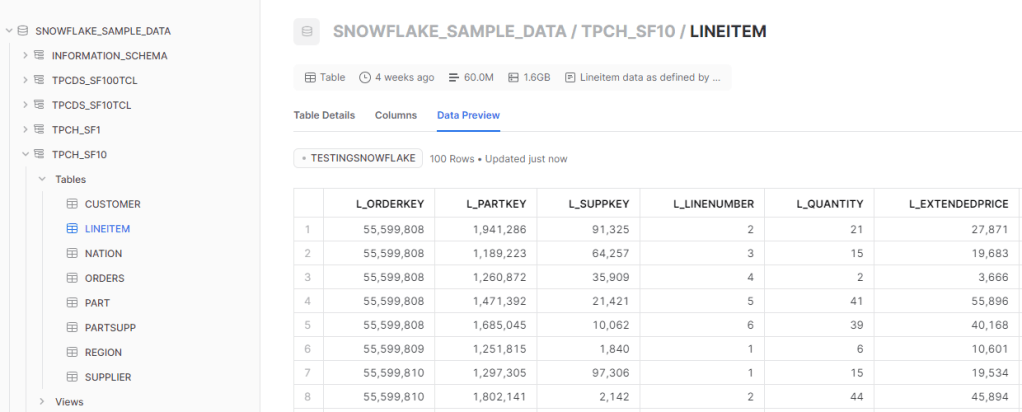
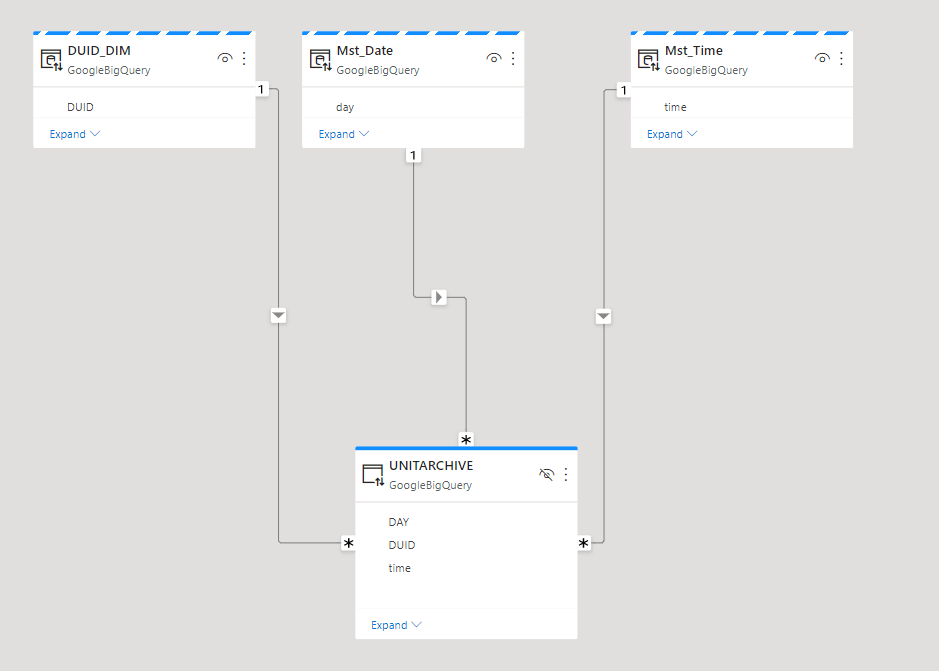
And here is the Snowflake data Model ( pun intended) in PowerBI using DirectQuery.

Some results a really intriguing, The ones that don’t have Bytes scanned are cached, but look at this Query that scanned 2.1 GB and returned in 770ms, that’s a BigQuery BI Engine territory right there !!!
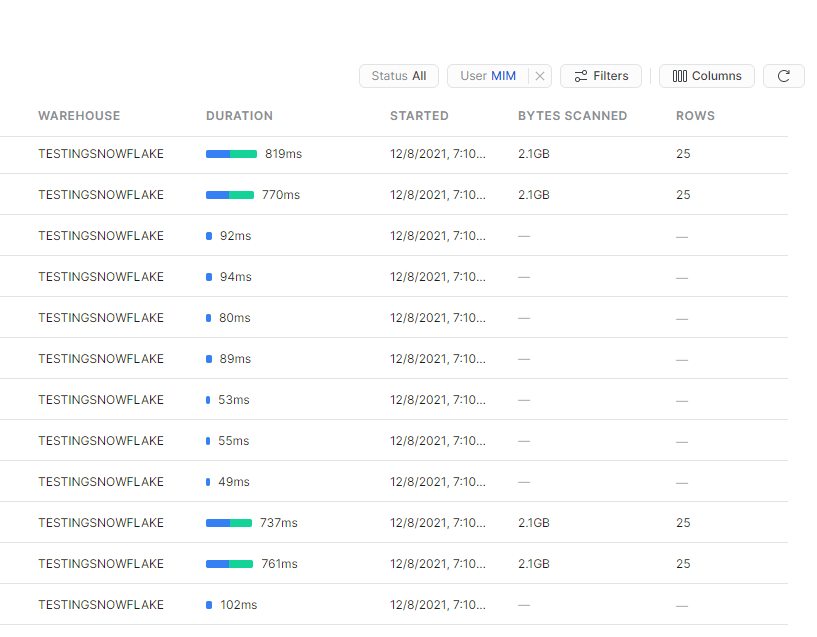
The Reason, the Query is in the subsecond, is again because of another type of cache, Snwoflake cache the raw data in the local SSD drive of the cluster, hence it make sense for better performance to keep the Cluster running for a bit longer, if you suspend a Cluster, there is no guarantee that Snowflake will resume the same one.
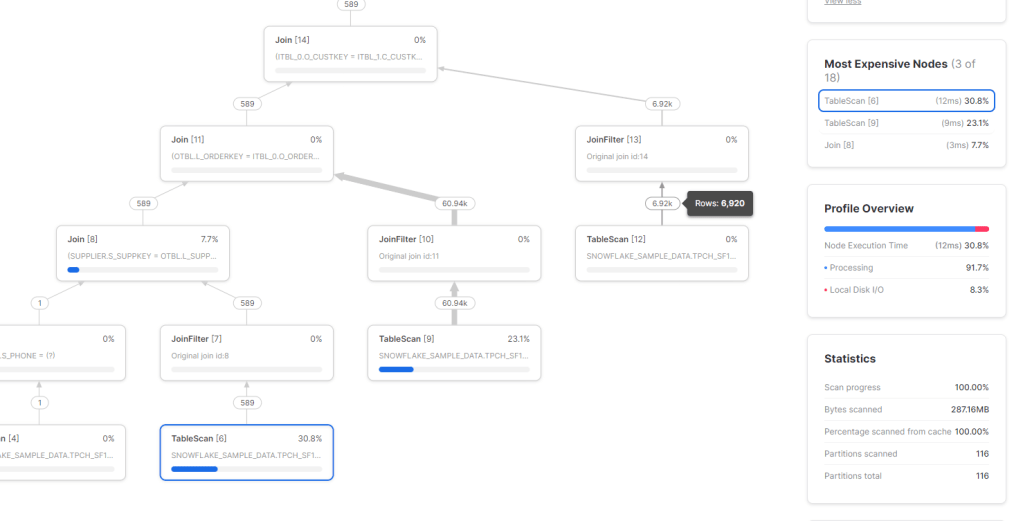
Btw, the Query plan visual is very detailed and explain every step, very nice.
Takeaway
The Quick Auto suspend and resume of Clusters, Global Query result cache and the fact it is a Multi Cloud offering are the key strength of Snowflake.
I was really surprised by the experience of using Snowflake Direct Query with PowerBI, and the data marketplace was a very polished experience.
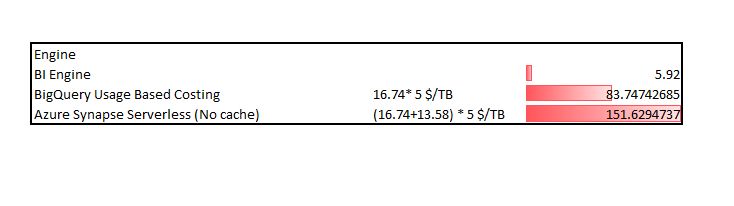
I will show my bias here , for 2.75 $/Hour I can reserved a BigQuery BI Engine instance with 50 GB in-memory RAM, it will be interesting to compare the performance and concurrency of Both Engine.
 Small Data And self service