Loading files from a folder to Fabric DWH using data Factory pipeline.

I know it is very basic for a Data Factory professional but as a PowerBI dev, it was like painting with my feet, so I thought it may be worth sharing with my people 🙂

Use Case 

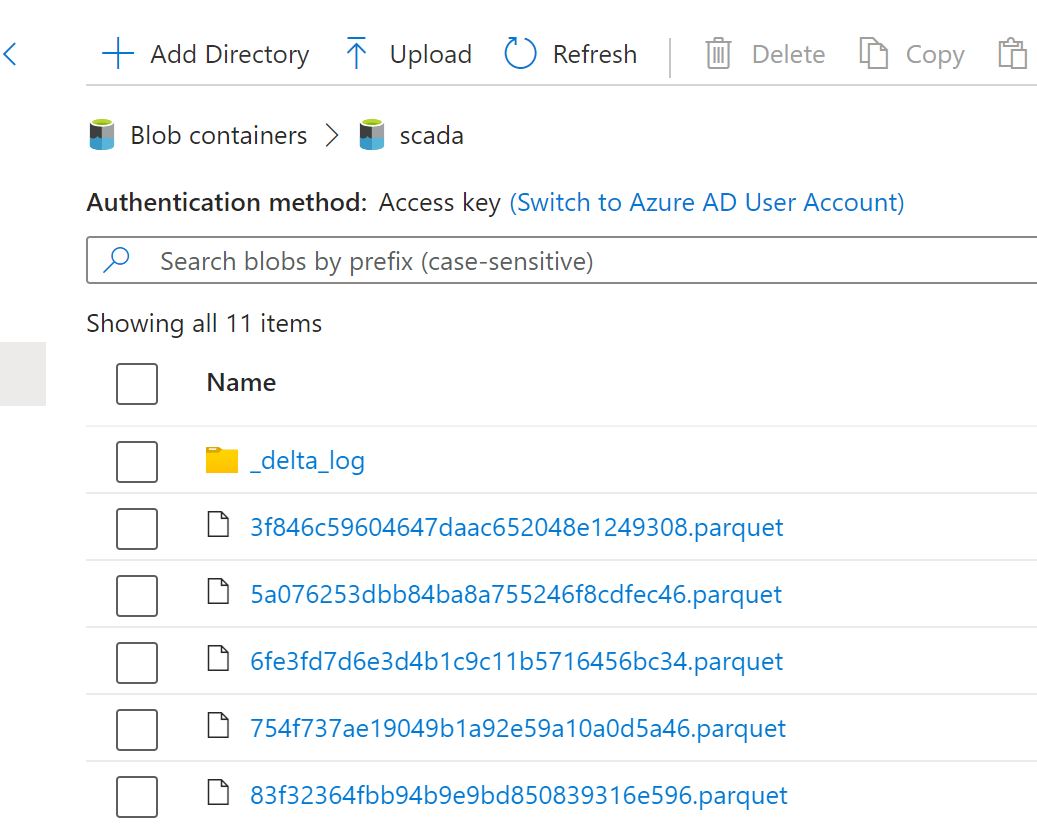
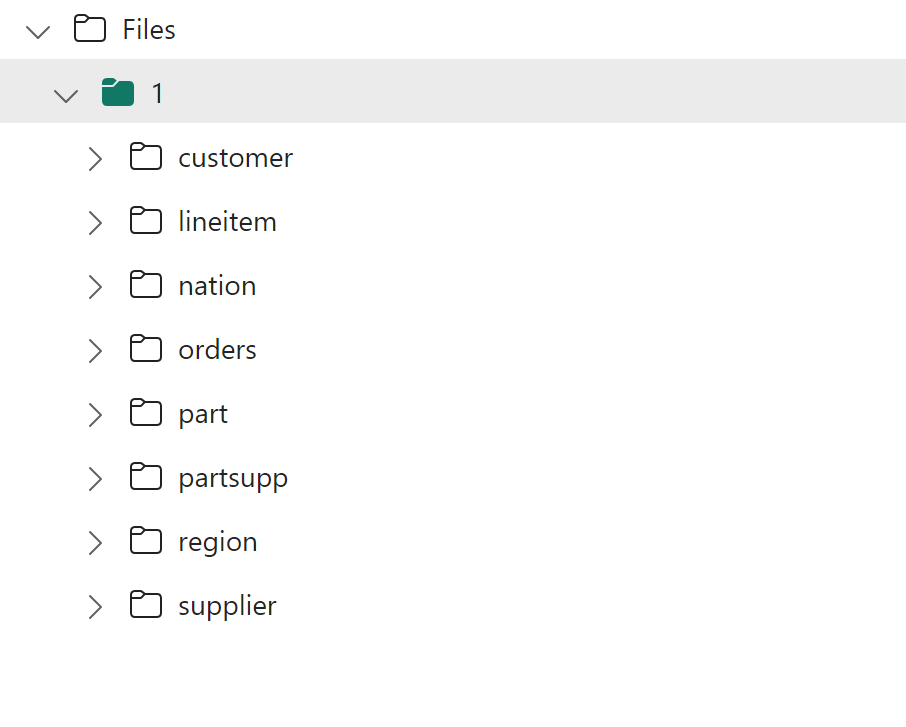
Let’s say, I have a folder of Parquet files ( it does works with json, excel etc)

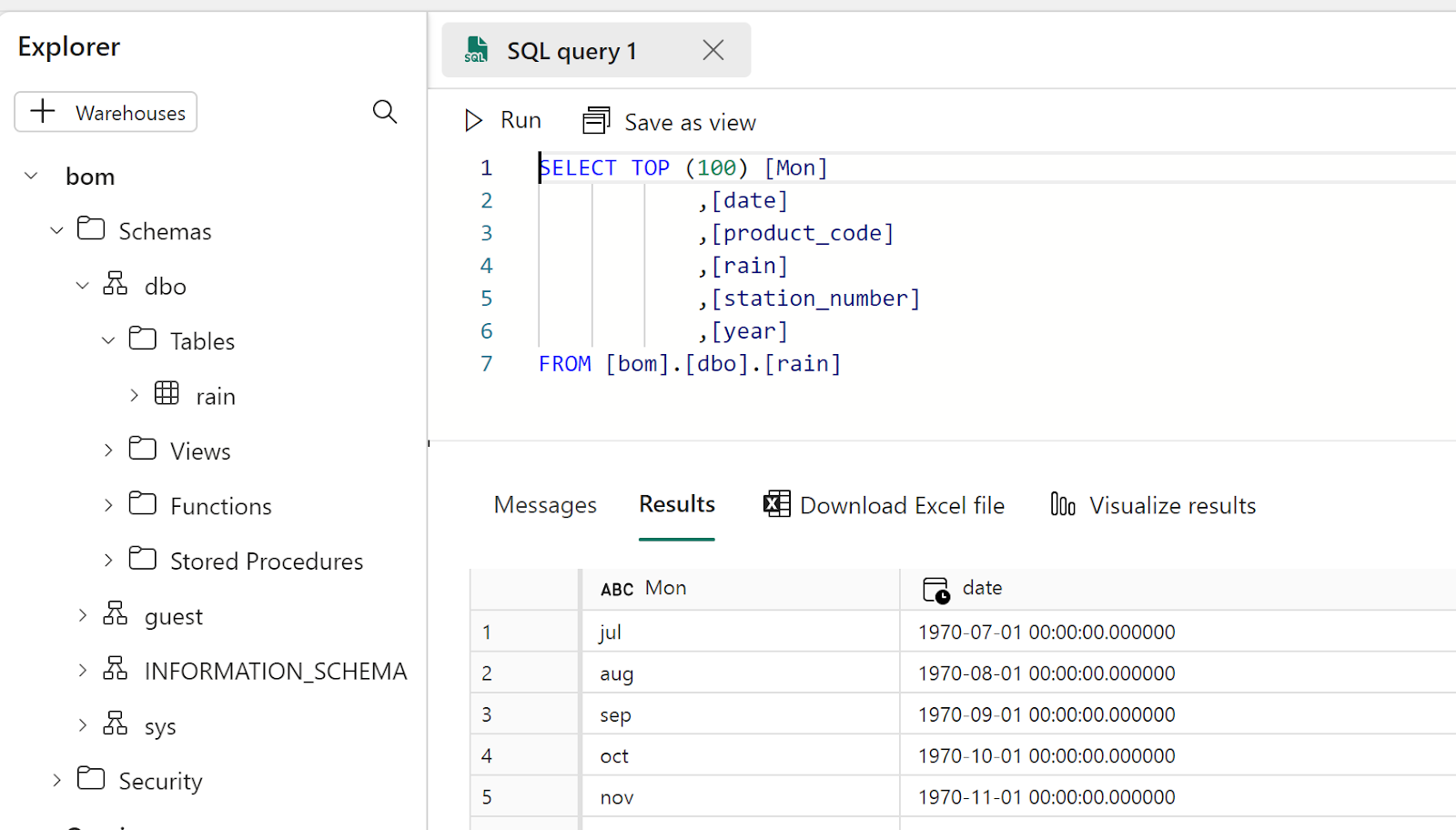
And I wanted to Load this Data to a DWH, not lakehouse Tables, and I don’t want to use a notebook and I am not particularly interested in a delta lake as an intermediary step, all I want is to load data from a folder to a DB staging table, that’s pretty much a very common scenario and supported by virtually any DWH in the market including Synapse Serverless.

Define a Variable

Define an array that contains the name of the subfolders, I know it can be automated, but I am a slow learner, (it seems it is not supported yet) make sure you click in the empty canvas to get that view

Add for each activity

Add for each activity and , click setting, items, add dynamic contents, select the previous variable

You will get something like this

Edit Activity inside For Each

Use Copy Data assistant

Just pretend you are loading only 1 file, make sure it works, then when it is done change the hard coded name to a parameter

At the End you will get something like this

Source

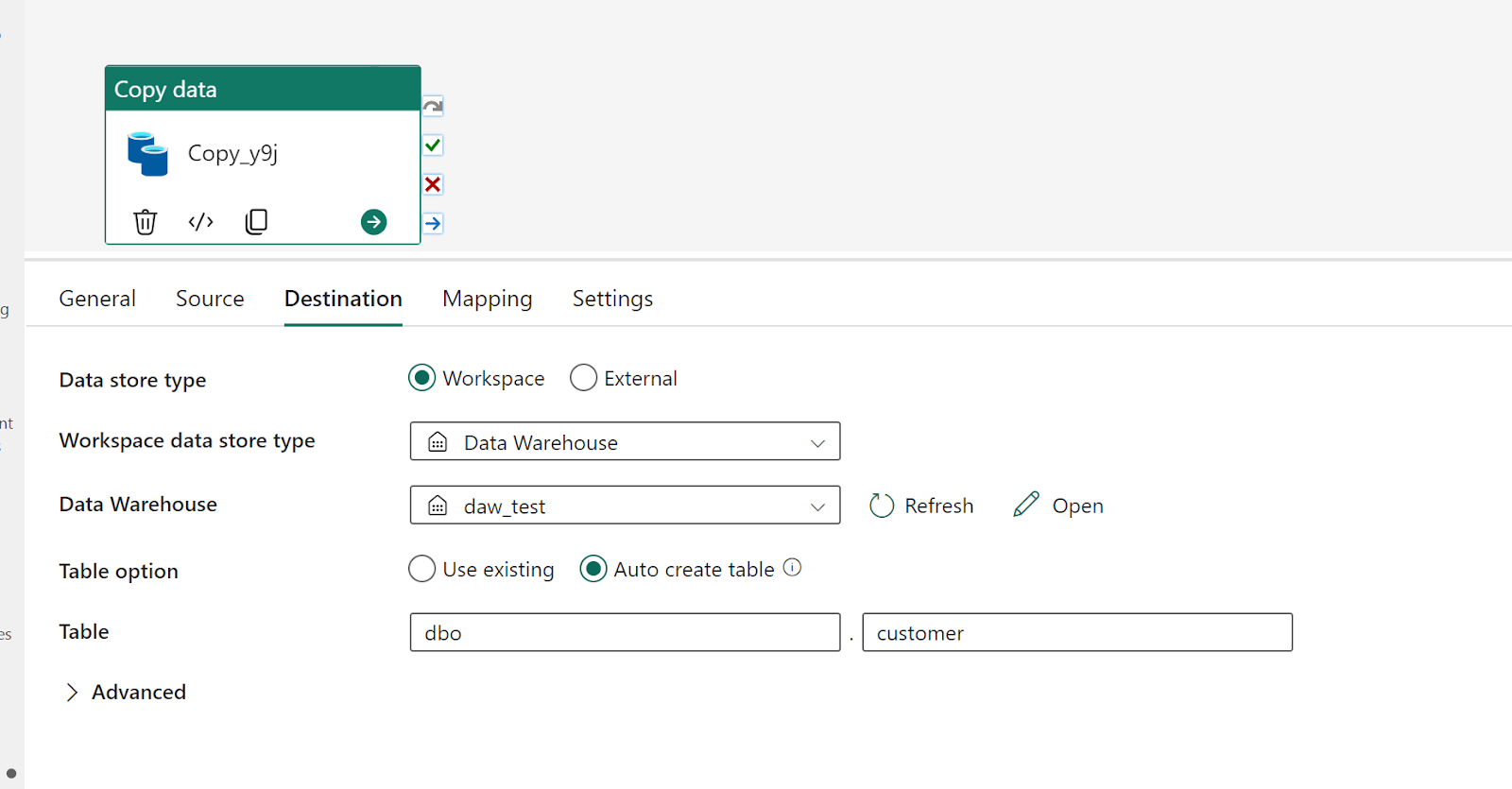
Destination

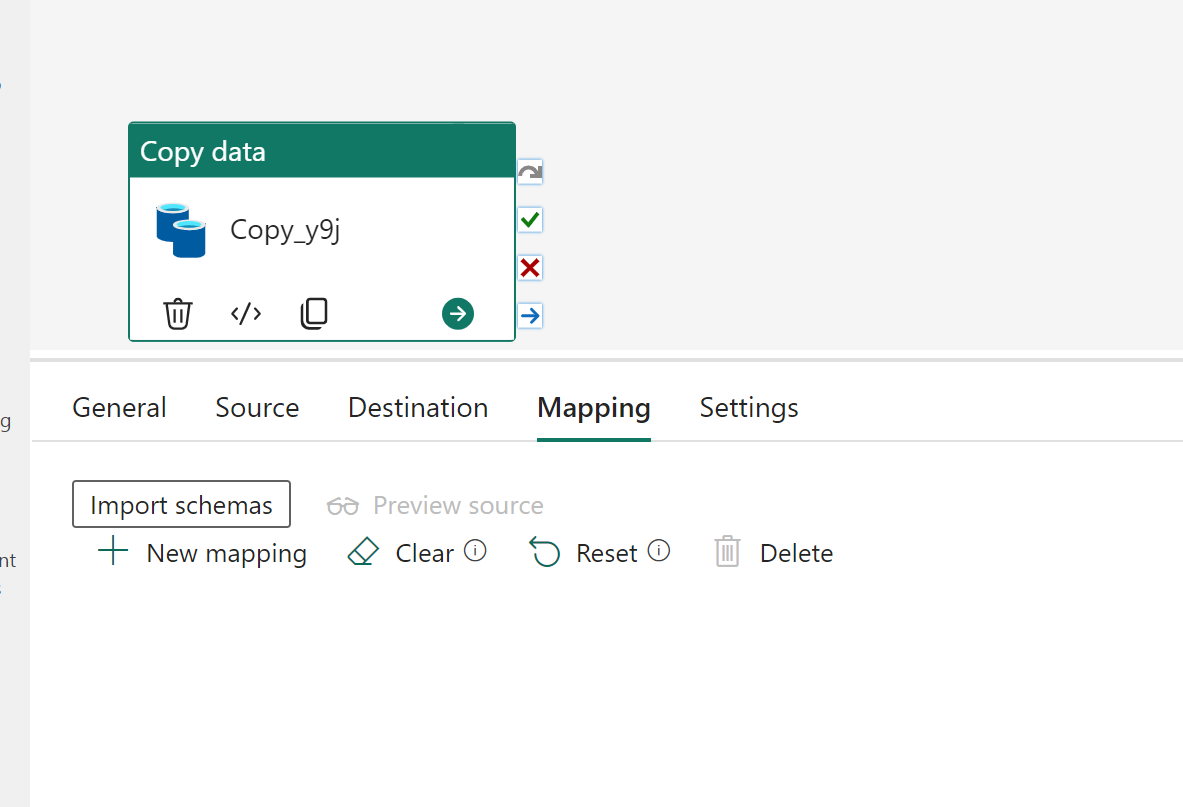
Mapping

Make sure no mapping is assigned as different tables will have different schema

Change hard coded names to dynamic values

Change the source name to

Change destination to 

Item will use current item from the previous variable

Validate and Test Run

You will get something like this.

Alternatively, if you want to copy  files  directly using SQL, then please vote on this idea  

First Look at Fabric F2 

Edit : 14 December 2024 : all the issues were fixed, please see Updated experience : https://youtu.be/zduuh35SAac

Edit : 26 December 2023 : The Bug was fixed, changing capacity is working as expected.

TL:DR ; a simple change of capacity generated a cascade of failures in Fabric workspace.

Use case

For the last month, I have been testing Fabric in my personal tenant using the free F64 trial, after analyzing three different possible workflow for the same workload I concluded the following

  • Using OneLake shortcuts from an existing Azure storage bucket : did not like the storage transaction cost and it fail the purpose anyway if I had to use an external service.
  • Dataflow Gen2 : the auto generated dataset and lakehouse consume a lot of compute and there is no way yet to turn it off.
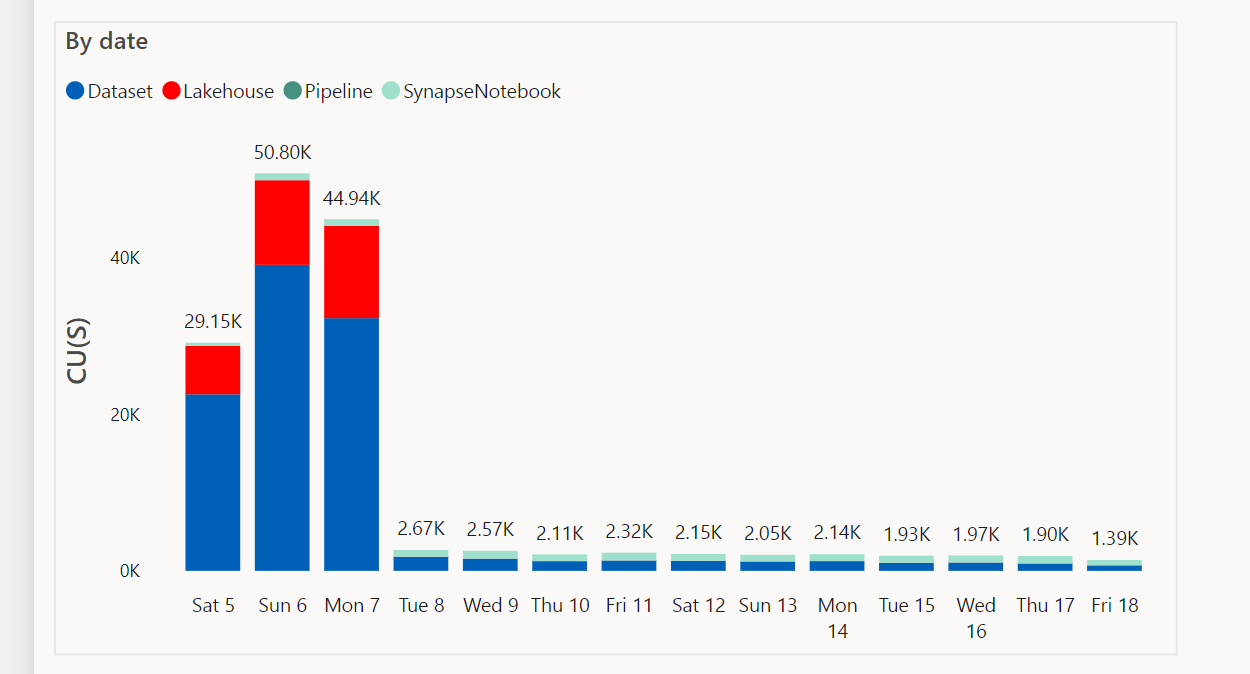
  • Spark Notebook :  the cheapest option in term of compute usage, around 45K CU(s) and it is pretty stable, Direct lake for the custom dataset works and everything seems ok

The report is straightforward download a file every 5 minutes and append it to an existing delta lake table, run a compact every 4 hours and update a dimension table every day, here is the overall diagram

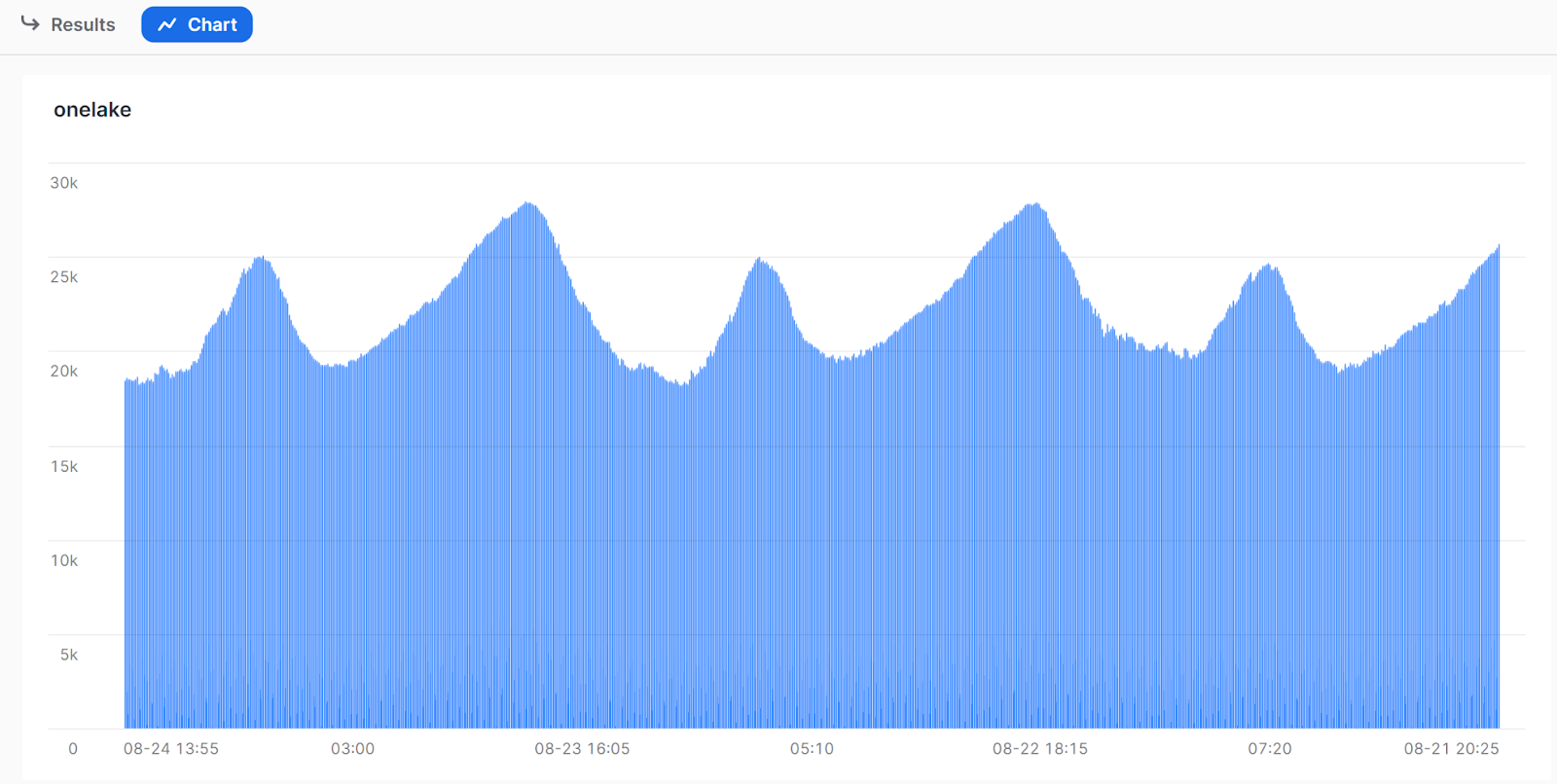
And here is the final results, the key here is to have a freshness of 5 minutes at any time

Day 1 : Changing capacity to Fabric F2

I know it may sound weird, but when I test something seriously, I usually pay for it. It is all fun to use something for free but the real test is when you spend your own money, is the tool worth it ?

I take Fabric seriously, I think it is an interesting take on how a data platform should look like.

First in Azure, I created a new Fabric F2 capacity

306 USD dollar, that’s nearly 460 Aud, that’s a lot of money for a service that does not auto suspend, in this case, I can’t manually pause and resume as the whole point is to get 5 minutes freshness time, my thinking I can use it for 2 days and delete it later, it was  a big mistake.

F2 must work,  ignoring bursting and smoothing and all that’s stuff.

F2 total compute =  2 X 24 X 3600 = 172800 CU(s), the workload consumes 45000 CU(s), it should be good to go.

The theory is Fabric compute is stateless, you change the license and it seamlessly switches the compute.

Everything seems fine

Day 2 : 

I had a look at Fabric usage in F2, Spark usage for the main notebook was null, it seems the notebook scheduler was stuck with the previous capacity ( to be honest I don’t know for sure), anyway I stopped the scheduler, suspend F2, restart the scheduler and the Capacity , the usage start to appear. Then I noticed something weird. Direct Lake  custom dataset keeps failing, I send the errors to Microsoft dev to have a look, long story short, apparently, I hit a race condition and the database did not get evicted, it is a preview and stuff happens.

Day 3 : 

Anyway, 13 Australian $  for this experimentation, it is ok ,the good news is even if F2 does not work at least the cost per day is fixed.

As I was just trying to understand why direct lake did not work, I did not notice the more critical problem, data was duplicated !!!!

I don’t know how it is possible, the notebook is very simple, download a file, append the result in a delta table and add that filename to a log ( a simple parquet file),  I used the log just to avoid reading delta table every time just to get the distinct values of  the filename.  

Maybe somehow there was concurrent write from the two capacities (F2 and Trial both stuck in the same workspace somehow), Delta table support that just fine, but maybe the log was locked by one writer,  or maybe the issue is not related and it was a bad luck, I never had any issue with that code as I use it with a cloud function and there is a guaranty of only 1 writer at the same time.

But that’s not the issue, after digging further in the recent runs, I learnt that the UI is just telling you that the notebook runs, not that it runs successfully

I started looking at runs with longer duration, and here is an example, it does not look like a successful run to me.

Errors happen,  and in any production pipeline you add another step  to get rid of duplicate records, but I think it will be nice to show errors in the user interface.

Parting Thoughts

I wrote a big rant then I realized it doesn’t matter, I am accepting the whole experience as it, I deleted F2 though and synapse as a retaliation, at the end of the day it is my own unrealistic expectation, I was hoping for Fabric to be something that it is not, it is not a serverless product (which is fine for an Enterprise setup with a constant workload), but for a scale down scenario, or personal usage, The Tech is not there, even for a Reserved instance pricing, the math doesn’t add up.

My first impression did not change though, Fabric’s sweet spot is F64+  and that’s fine, but a man can dream.

Fabric Preview Pricing Misconception

Edit : How many physical cores a service is using is considered an internal implementation, for example Snowflake don’t publish those numbers nor BigQuery, Redshift etc, for a simple reason those numbers may change when the vendor upgrade their compute layer, I am not asking for this information, I am mainly talking about the compute unit ( CU), which is a virtual unit like BigQuery Slot, today we don’t have this information for a lot of items, as a customer, I don’t think it is too much asking.

Introduction

One very confusing aspect of Fabric preview is that the usage pricing is not public yet, early adopters get confused when people ask for pricing, their reply, the pricing is public and they show this blog post with the pricing table 

The table shows you only the price for Every SKU and how much compute you will get, but it does not tell which size to use to support your workload, nor what’s the performance of the different Engines in Fabric

Just do a POC and see how it goes 

It is free in Preview, just do a POC and attach a free trial capacity, that’s a good way to learn how the system works, but today, it does not tell you how much compute it is using as the Workload for DWH and Dataflow Gen2 is not reported, for example, I built a  full end to end report in Fabric using Dataflow Gen2, OneLake and Direct Lake mode in PowerBI

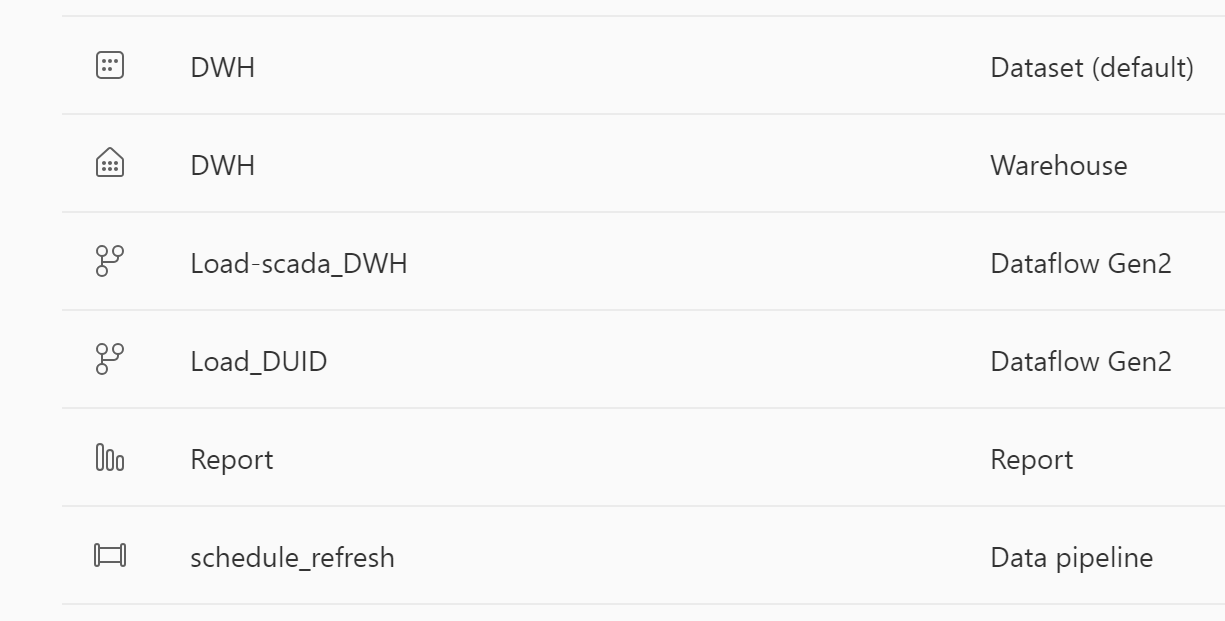
It was a good exercise, I definitely learnt new skills, but I have no idea how much compute unit (CU) this solution will consume from my capacity, what’s reported here is only some items that show their usage data but not dataflow Gen2 ( some items like the default dataset should show 0 but that’s a bug, it is a preview after all)

Spark is the Good Guy 🙂

Spark Engine do report the usage from day 1, what you see is what you will get in the GA or even better (but not worst), same solution using Spark

I can say useful things about Spark performance because I can see the numbers, I know exactly how many compute unit (CU) it is using,  I don’t have the slightest idea about Dataflow Gen2 nor Fabric DWH.

Can we Talk about Fabric Performance ?

No, today we can’t, you simply can’t say anything meaningful about the performance if you can’t see the usage numbers, for example, I ran Query 1 of TPCH_SF10 ( that’s 60 million rows),  it took 1 second, that’s pretty good, is it performant though ? again I don’t know how many compute unit it is using.

What does it mean

I have mixed feeling about it, a charitable take, they are just fine tuning some numbers, another take, users can be a little bit uncomfortable  that 2 months in the public preview and no indication on the pricing is a bad sign, I don’t know and I don’t think it is useful to speculate, but if you are using fabric today in preview don’t assume this is the whole story, we will get the full picture only when we see all the usage information. 

And again, I am not suggesting, it is not performant, all what I am saying is, we don’t know today, the only Engine we can talk about is Spark because they are publishing their usage numbers. 

PowerBI Direct Lake misconception

The first time I used Direct Lake I was blown away by the performance, it was just too good to be true,import performance with nearly instant refresh time, a month later, I have better understanding, the first impression is still valid but it is more nuanced, there is always a tradeoff 

Import Mode

Let’s take a simple analytical pipeline using PowerBI service, reading a csv file from a web site, you will have something like this

Ingestion : 

  • Download the csv
  • Sort it, and Compress it  and save it into PowerBI Proprietary columnar file format in Azure Storage

Query : 

  • When a Query arrive in the service load the columns from PowerBI file in Azure Storage to the Server RAM

When people use import mode they usually means those two stages (Ingestion and Query), refresh in import mode means ingest new data and load it to RAM

Direct Lake Mode

In Direct Lake mode, more or less the Query stage is the same, that’s a great technical achievement from the Vertipaq team, instead of scanning PowerBI storage file, you do the same for Parquet

But here is the catch: refresh is nearly instantaneous because it is not doing much, the ingestion of new data did not magically disappear but has to be done elsewhere.

Who does the Ingestion then ?

You can use Spark, Dataflow Gen2 , Fabric DWH etc to create and update the Parquet files, or if you are lucky and your system produce Delta lake tables with the right file size etc, you hit the jackpot 

Why you may not want to use Direct Lake

  • It is a Fabric only feature.( edit : you can use shortcut to an existing Azure storage bucket , but you still need OneLake running, Hopefully one day, we can run Queries directly from an object store using PowerBI Desktop)
  • You use calculated column, calculated table
  • If your users interact with the data using only PowerBI reports then it is not worth the added complexity.
  • It does not work with PowerBI desktop, my understanding, it will fall back to Fabric SQL Engine.
  • Storing all the tables and metadata in one file is a very powerful concept and works very well in the desktop, which is still the main development environment for users.
  • Not specific to PowerBI but usually for pure performance , proprietary Storage files are faster for the simple reason, they are super optimized to the Query Engine and have no compatibility requirement.

Why you may want to use Direct Lake

  • If you have a use case where import mode was painful or literally did not work.
  • Somehow you have a system that produces Delta Lake Tables with the right file size and row groups.
  • Because ingestion is done outside PowerBI, you may get less memory pressure which is still the biggest bottleneck in PowerBI.
  • You want to share Data to non PowerBI users.

What will be really nice.

Today Both import and Direct Lake don’t push down filters to the storage file, I think there is an expectation that BI Query Engine should support data that don’t fit in memory.

It will be nice too if Direct Lake support more table format like Hive and Iceberg