
TL:DR; I wish I had this in 2019
Background
Long story short, in 2019, I was working in large scale solar farm having only access to PowerBI Pro license, wanted to build a dashboard that show Power generation data with a freshness of 5 minutes, tried multiple workaround, never worked reliably as it should be, the solution was to have some kind of a database where i can incrementally write, did not have access to Azure and even if I had, Azure DataFactory was too alien to me, COVID happen, moved to another division but I never forget about it, I felt a deep disappointment in PowerQuery and I even questioned the whole point of self service Data preparation if a relatively simple scenario can not be handled easily.
Enter Fabric
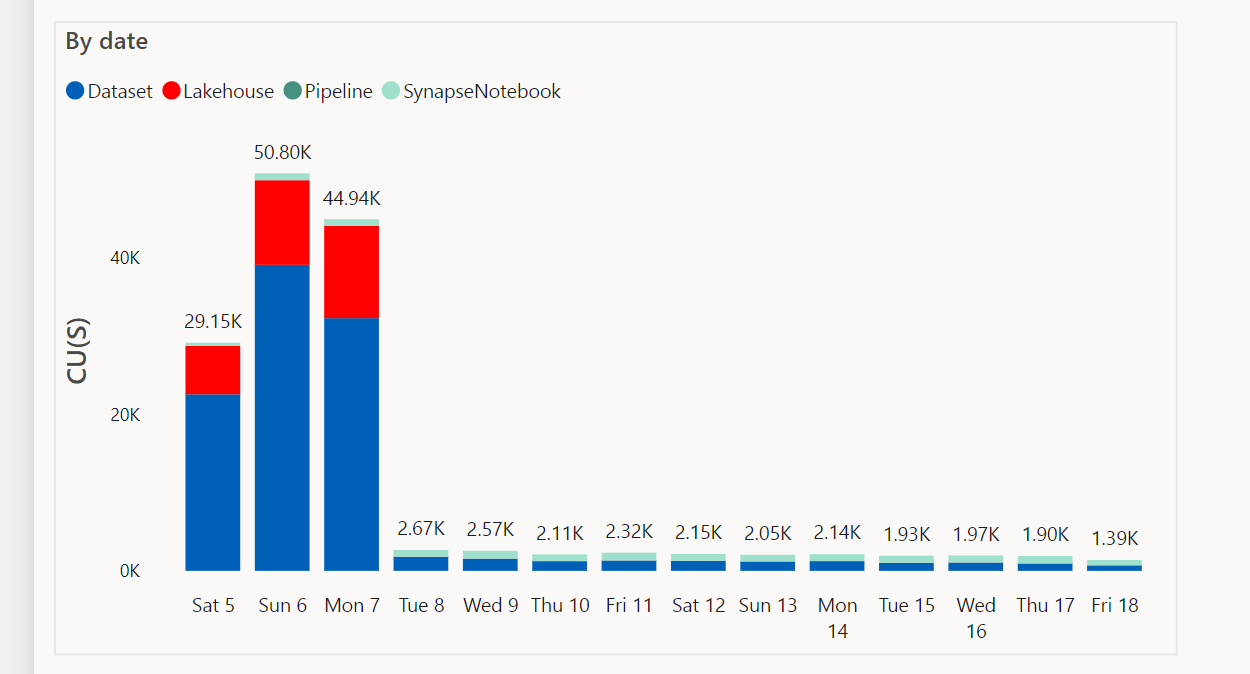
My first encounter with Dataflow Gen2 was extremely negative, there was a bug where the auto generated dataset was consuming a lot of compute resource for no reason, I was distressed that they messed up the product, luckily I was wrong and the bug was fixed after 2 months, the graph does not need an explanation
Lakehouse Destination
Initially Dataflow supported only writing to Lakehouse but they added the DWH later, the performance is very odd, every refresh insert around 500 records (which is small), something feels not right

Anyway I reported the issue and the dev are looking at it.
DWH Destination
Because the data is public and I am just testing,I wanted to publish the report to the web, the messaging was not clear if it is supported or not, anyway the documentation was updated recently and it is a current limitation of Direct Lake mode, which is perfectly fine, it is a preview after all, but in this particular case I care about publish to web more than Direct Lake.
I changed the destination to DWH and what a wonderful surprise

What’s the big deal about Dataflow Gen2 anyway ?
Just one option, you can append the result to a table, this makes incremental refresh a trivial task, obviously it was no easy feat, PowerQuery previously can write only to PowerBI Internal Engine, but now there are multiple destinations and more are coming
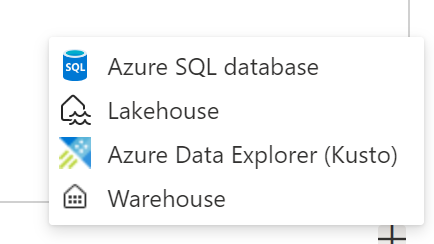

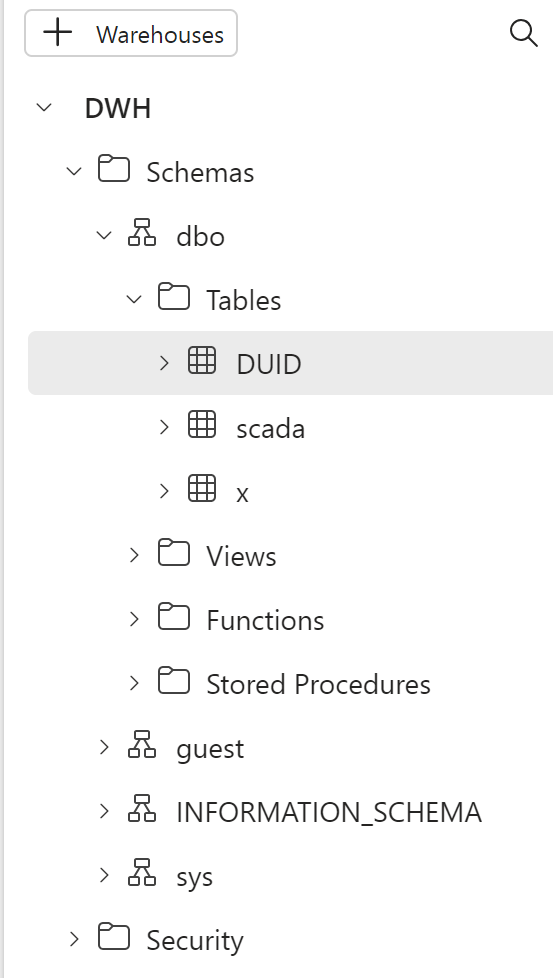
Not only that, because you are writing to a Database you can even run further data transformation using SQL, I recommend this excellent tutorial of what’s possible now
The Idea is very simple, get the name of the files already loaded and just add new files

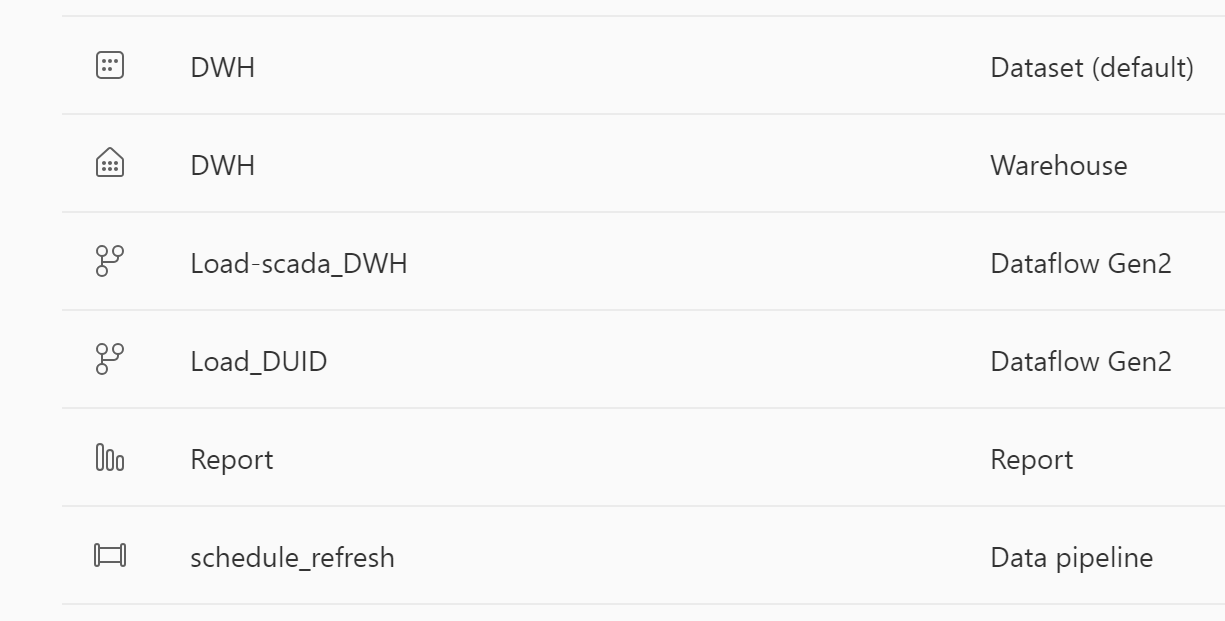
And Here is the whole data pipeline from data ingestion to the final report all using one Product
You can have a look at the report here, Publish to web cache the data, so you may not see the latest update
I appreciate it is a very short blog, but if you know PowerQuery, there is nothing new to learn, same tech but substantially more Powerful as you are loading to a DWH, you want a Database, here is one, just like that 🙂
Final Thoughts
Dataflow Gen2 is finally blurring the line between self service Data preparation and Professional ETL developpement, I understand marketing people will focus more on Lakehouse and Direct Lake but most potential Fabric users are just PowerBI users and Dataflow Gen2 is exactly what was missing from PowerBI.
I am really looking forward to the GA of Fabric F2. Dataflow Gen2 is a killer feature and I hope they get the resource utilization right.
 Small Data And self service
One thought on “First Look at Dataflow Gen2”