It is just a POC on how using Arrow with Delta Rust can give you a very good experience when importing Data from BigQuery to OneLake
For a serious implementation, you need to use Azure Key Vault and use it from Fabric Notebook, again this is just a POC
The core idea is that Delta Rust accept Arrow Table as an input without the need for a conversion to Pandas
The Data is public, the Query scans nearly 19 GB of uncompressed data.
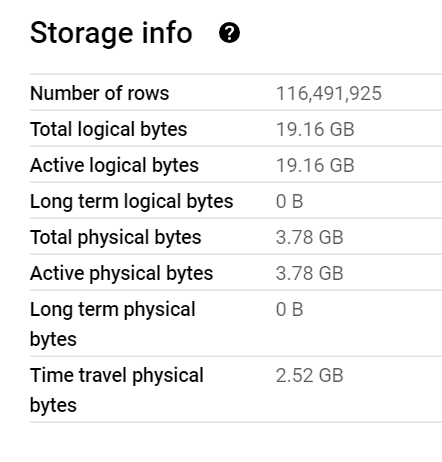
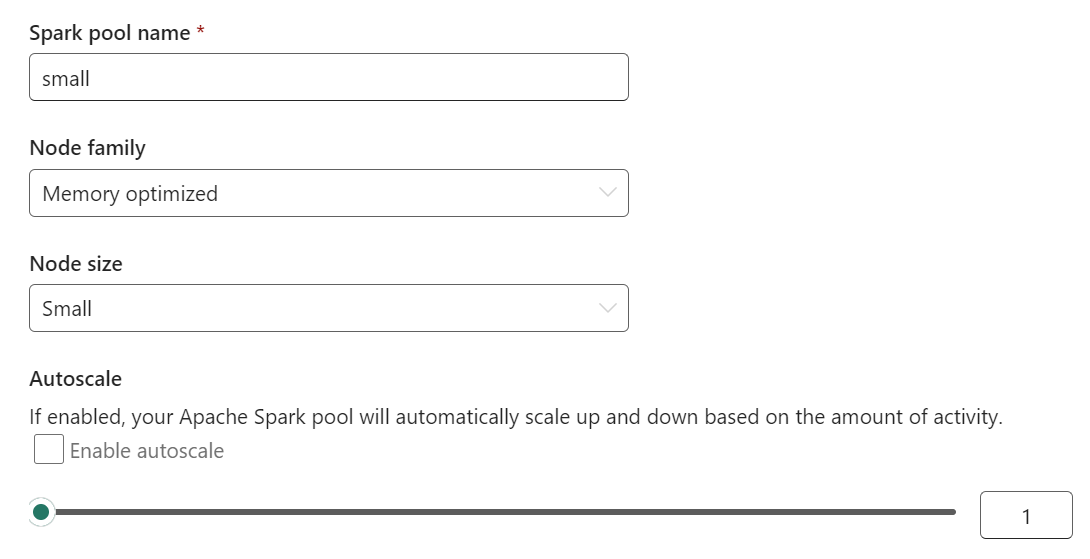
It took less than 2 minutes to run the Query and Transfer the Data !!! That’s GCP Tokyo Region To Azure Melbourne and nearly a minute and 25 second to write the Data to Delta Table using a small single Node ( 4 vCores and 32 GB of RAM)
Show me the Code.
You can download the notebook here. although The Package is written in Rust, they do have a great Python binding which I am using .
Make sure you Install google-cloud-bigquery[‘all’] to have the Storage API Active otherwise it will be extremely slow
Notice though that using Storage API will incur egress Cost from Google Cloud
and use Fabric Runtime 1.1 not 1.2 as there is a bug with Delta_Rust Package.

Nice Try, how about vOrder ?
Because the data is loaded into a staging area, the lack of vOrder should not be a problem as ultimately it will be further transformed into the DWH ( it is a very wide table), as a matter of fact, one can load the data as just Parquet files.
Obviously it works too with Spark, but trying to understand why datetime 64 whatever !!! and NA did not works well with Spark Dataframe was a nightmare.
I am sure it is trivial for Spark Ninja, but watching a wall of java errors was scary, honestly I wonder why Spark can’t just read Arrow without Pandas in the middle ?
With Delta Rust it did just work, datetime works fine, time type though is not supported but it gave me a very clear error message ( for now I cast it as string , will figure out later what to do with it) , but it was an enjoyable experience.
As it is just code, you can implement more complex scenarios like incremental refresh, or merge and all those fancy data engineering things easily using Spark or stored procedure or any Modern Python Library.
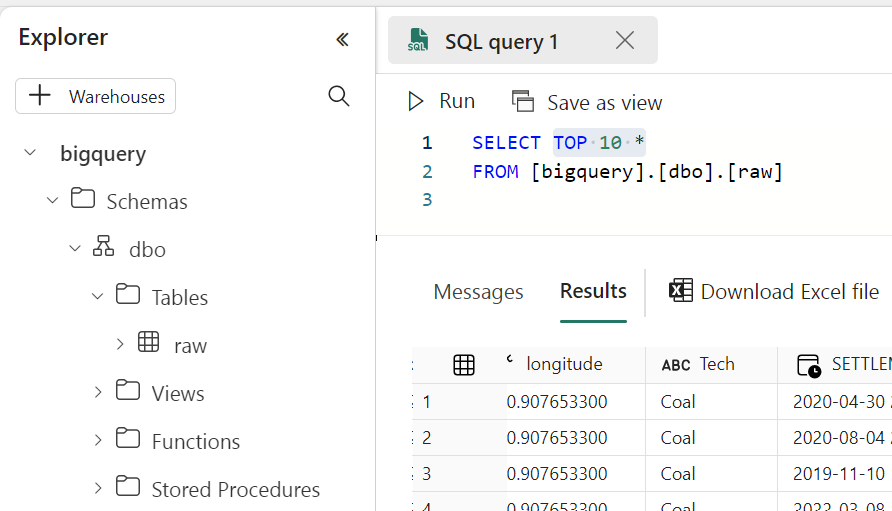
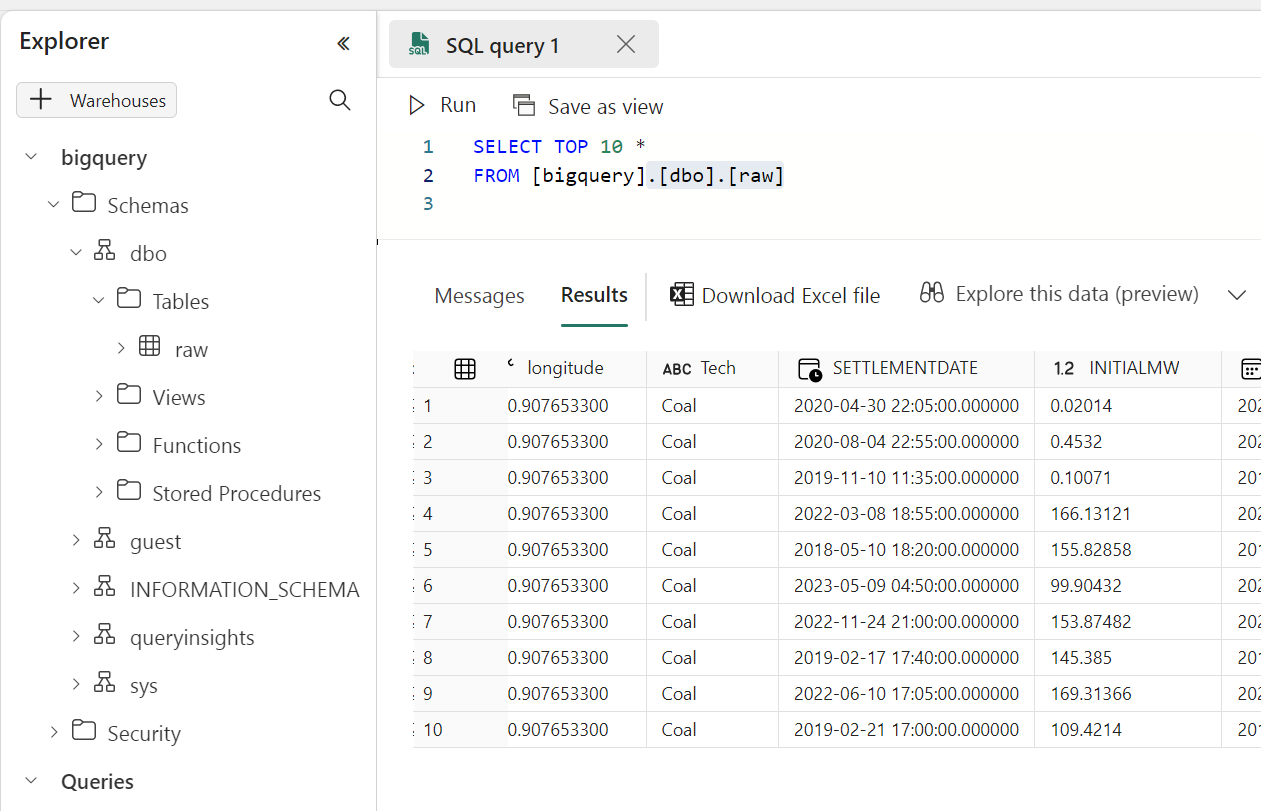
Running a simple Query to make sure it is working
Take Away
The Notebook experience in Fabric is awesome, I hope we get some form of secret management soon, and Delta Rust is awesome !!!

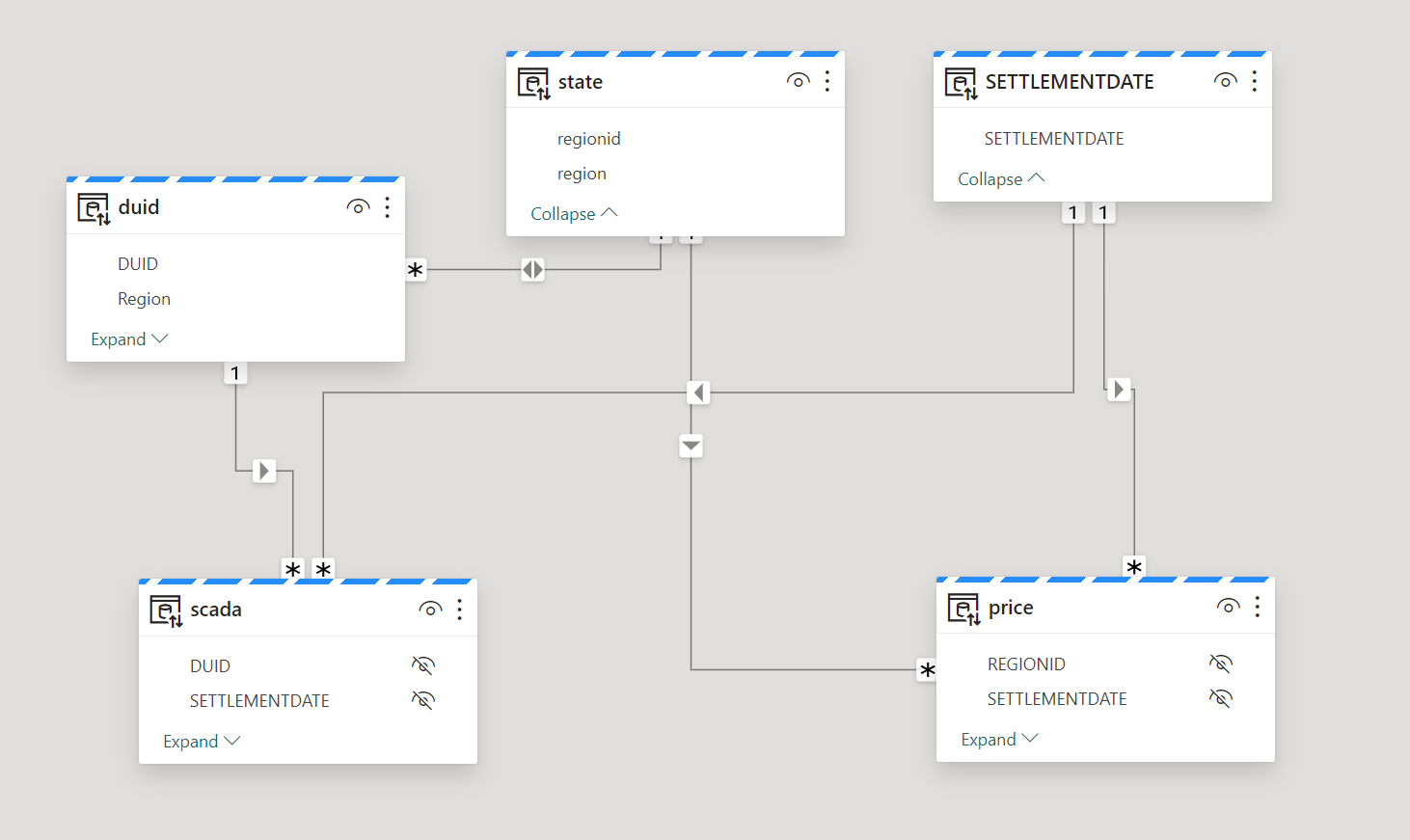







 Small Data And self service