
I know it is very basic for a Data Factory professional but as a PowerBI dev, it was like painting with my feet, so I thought it may be worth sharing with my people 🙂
Use Case
Let’s say, I have a folder of Parquet files ( it does works with json, excel etc)
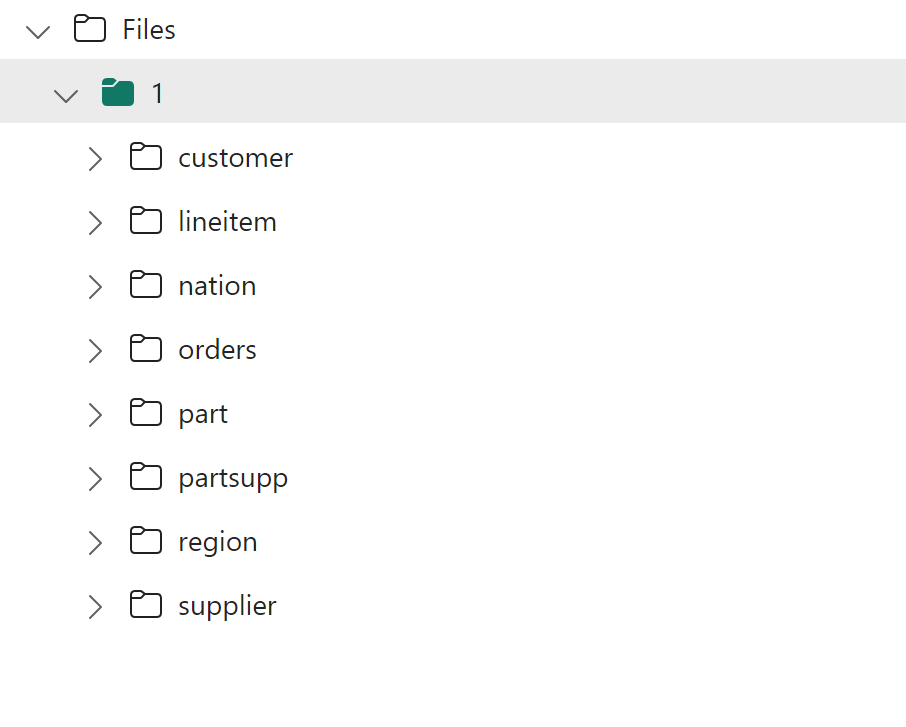
And I wanted to Load this Data to a DWH, not lakehouse Tables, and I don’t want to use a notebook and I am not particularly interested in a delta lake as an intermediary step, all I want is to load data from a folder to a DB staging table, that’s pretty much a very common scenario and supported by virtually any DWH in the market including Synapse Serverless.
Define a Variable
Define an array that contains the name of the subfolders, I know it can be automated, but I am a slow learner, (it seems it is not supported yet) make sure you click in the empty canvas to get that view

Add for each activity
Add for each activity and , click setting, items, add dynamic contents, select the previous variable

You will get something like this

Edit Activity inside For Each

Use Copy Data assistant
Just pretend you are loading only 1 file, make sure it works, then when it is done change the hard coded name to a parameter

At the End you will get something like this
Source

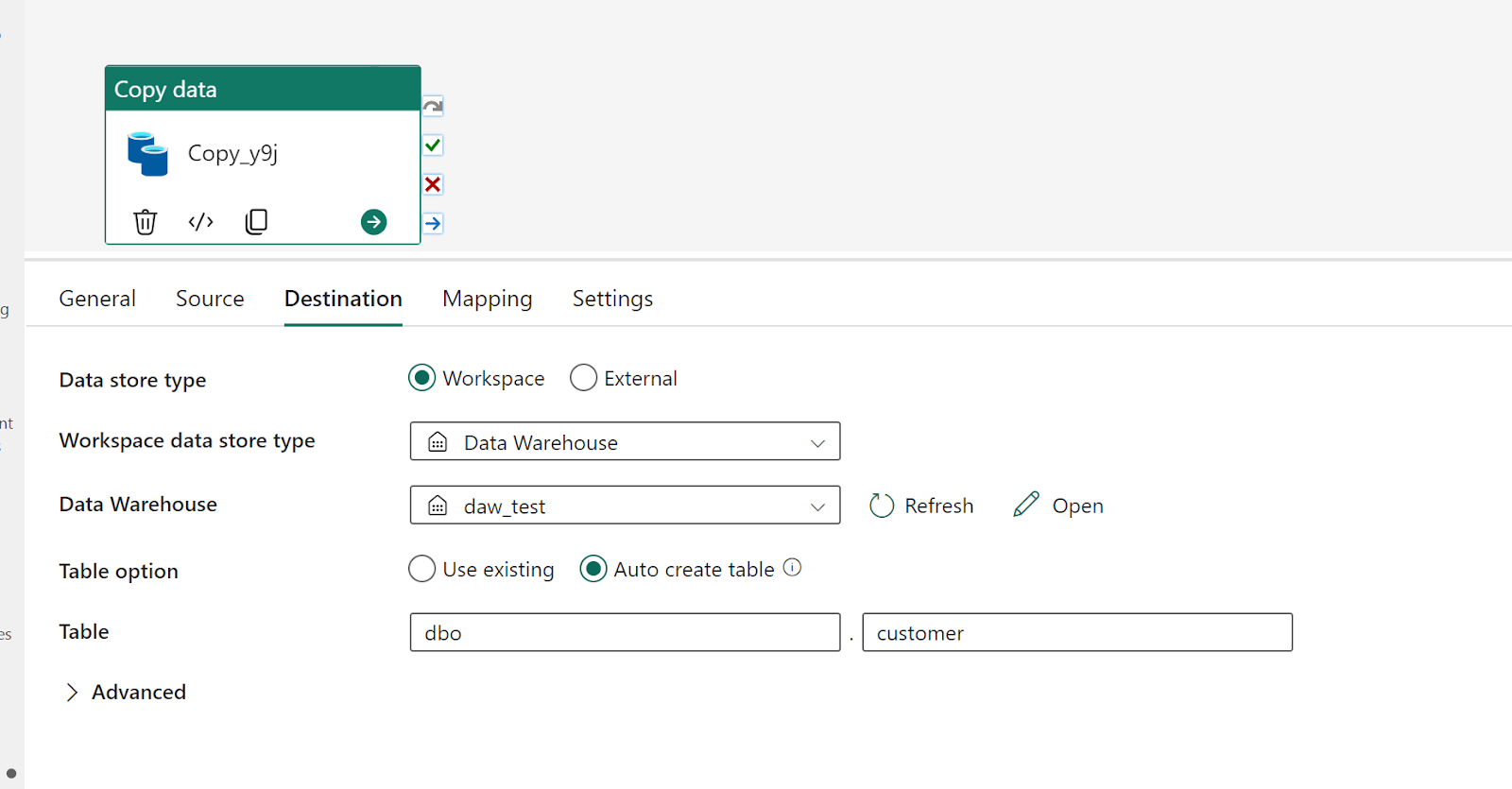
Destination
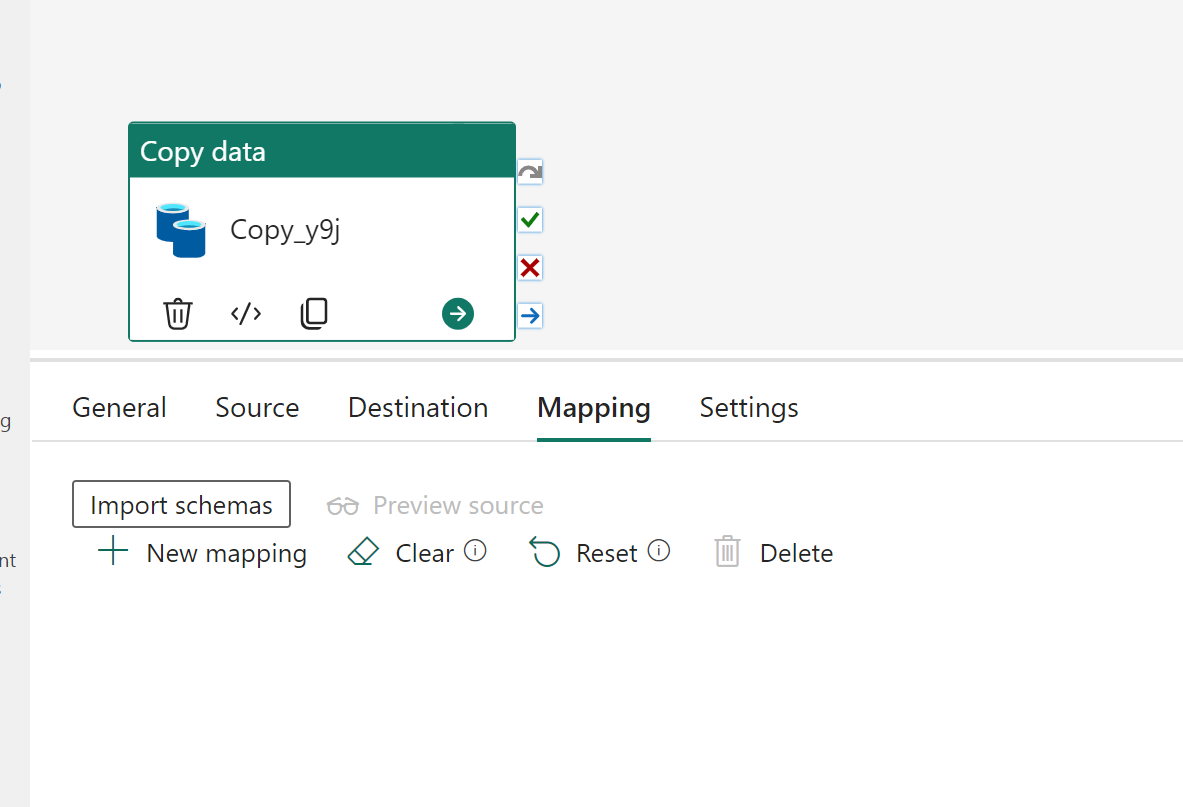
Mapping
Make sure no mapping is assigned as different tables will have different schema
Change hard coded names to dynamic values
Change the source name to

Change destination to

Item will use current item from the previous variable
Validate and Test Run
You will get something like this.

Alternatively, if you want to copy files directly using SQL, then please vote on this idea
 Small Data And self service