TL:DR; Fabric Lakehouse don’t support ACID transactions as the Bucket is not locked and it is a very good thing, if you want ACID then use the DWH offering
Introduction :
When you read the decision tree between Fabric DWH and Lakehouse you may get the impression that in terms of ACID support the main difference is the support for Multi Table Transactions for DWH.
The reality is the Lakehouse in Fabric is totally open and there is no consistency guaranty at all even for a single table, all you need is to have the proper access to the workspace which give you access to the storage layer, then you can simply delete the folder and mess with any Delta table, that’s not a bad thing, it give you a maximum freedom to do stuff like Writing Data using different Engines or just upload directly to the “managed” Table area.
Managed vs unmanaged Tables
In Fabric, the only managed tables are the one maintained by the DWH, I tried to delete a file using Microsoft Azure Storage Explorer and to my delight, it was denied
I have to say, it still feels weird to look at a DWH Storage, it is like watching something we are not supposed to see 🙂
Ok what’s this OneSecurity thing
It is not available yet, so no idea, but surely it will be some sort of a catalog, I just hope it will not be Java based, and I am pretty sure it is read Only.
How About the Hive Metastore in the Lakehouse
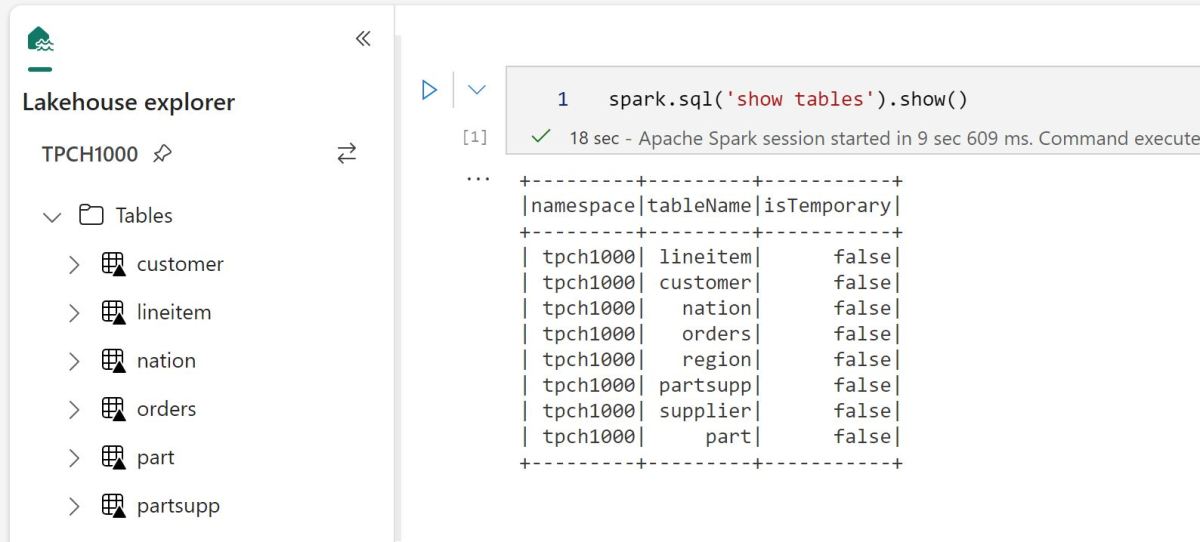
It seems the hive metastore acts like a background service when you open the Lakehouse interface, it scan the section of the Azure Cloud storage “/Tables” and detect if there is a valid Delta Table, I don’t think there is a public HMS endpoint.
What’s the Implication
So you have two options :
Ingest Data using Fabric DWH, it is ACID and very fast as it uses a dedicated Compute.
I have done a test and imported the Data for TPCH_SF100 which is around 100 GB uncompressed in 2 minutes !!!That’s very fast.
and it seems Table stats are created too at ingestion time, but you pay for the DWH usage. Don’t forget the Data is still in the Delta Table Format, so it can be read by Any compatible Engine ( when reading directly from the storage)
Use Lakehouse Tables : Fabric has a great support for reading LH Tables( stats at runtime though), but you have to maintain the Data consistency by yourself, you have to run vacuum, make sure no multiple writers are running concurrently and that no one is messing with you Azure Storage Bucket, but it can be extremely cheap as any compatible Delta Table writer is accepted.
Use Shortcuts from Azure Storage, you can literally build all your data pipelines outside of Fabric and just link it. see example here
It is up to you, it is a classical managed vs unmanaged situation, I suspect the cost of Fabric DWH will push it either way, personally I don’t think maintaining DB tables is a very good idea. But remember either way, it is still an Open Table Format.
Edit : 16-June -2023
Assuming you don’t modify Delta Tables files directly from OneLake, and use Only Spark code, Multiple optimistics writers to the same table is a supported scenario , previously I had an issue with that setup but it was in S3, and it seems Azure Storage is different, Anyway this is from the Horse’s mouth 🙂
TL;DR ; Although the optimal file size and the row group size spec is not published by Microsoft, PowerBI Direct Lake mode works just fine with Delta table generated by non-Microsoft tools and that’s the whole point of a Lakehouse.
Edit : added example on how to write directly to Onelake
Currently Writing Directly to OneLake using the Python writer is not supported, there is an open bug , you can upvote it, if it is something useful to you
The interesting part of the code is this line
You can append or overwrite a Delta table, delete a specific partition is supported too, merge and delete rows is planned
The Magic of OneLake Shortcut
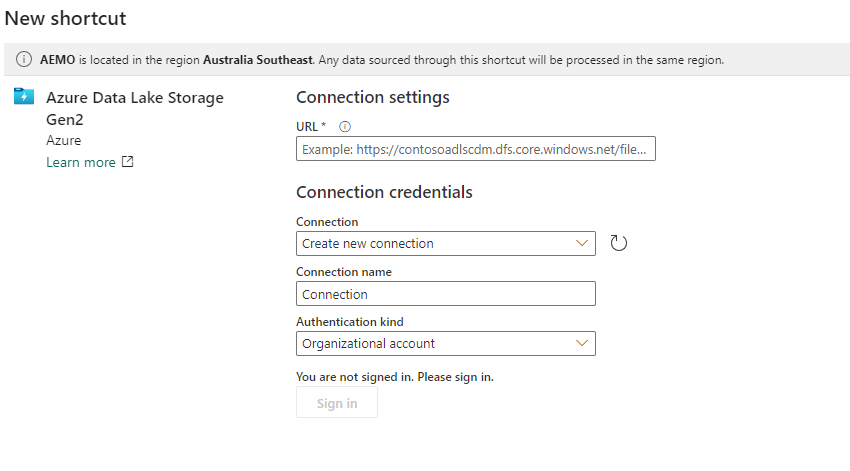
The idea is very simple, run a python script which create a delta table in Azure storage then make it visible to Fabric using a shortcut, which is like an external table, no data is copied
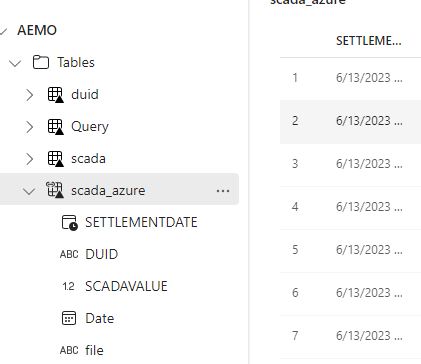
The whole experience was really joyful 🙂 lakehouse discovered the table and showed a preview
Just nitpicking, it would be really nice if the tables from the shortcut have different colors, the icon is not very obvious.
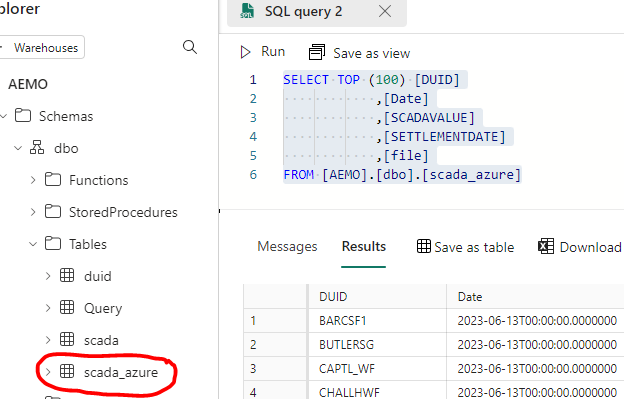
If you prefer SQL, then it is just there
Once it is in the lake, it is visible to PowerBI automatically. I just had to add a relationship , I did not use the default dataset as for some reason, it did not refresh correctly, it is a missed opportunity as this is a case where default dataset just makes perfect sense.
But Why ?
Probably you are asking why,in Fabric we have already Spark and dataflow Gen2 for this kind of scenarios ? which I did already 🙂 you can download the PowerQuery and PySpark Script here
So what’s the best tool ? I think how much compute every solution will consume from your capacity will be a good factor to decide which solution is more appropriate, today we can’t see the usage for Data Flow Gen2 so we can’t tell.
Actually , I was just messing around, what people will use is the simplest solution with less friction, a good candidate is Dataflow Gen2, and that’s the whole point of Fabric, you pay for convenience, still I would love to have a fully managed single node python experience.
When you write a record in a database, Like SQL Server, SQLite, it needs to store it somewhere, usually that location was your Disk, your local storage system is a very powerful system, you can write, read, modify existing file etc and it is very fast , so this problem was already solved 50 years ago. Why we should care about data lake Table Format (Delta, Iceberg etc).
The Internet happened
Internet tech company start getting massive amount of data generated by the exponential use of the internet, saving data in the local disk of Big Database is just too expensive, there was a need for a separate approach.
Separation of Storage and Compute
The solution was very simple separate the computer that run Queries from the system that store data, and both can be scaled independently, if you don’t need to run Analytical Queries fine just turn it off and keep adding data to your storage system. That was a genius idea!!! ( I think Google MapReduce was first then Yahoo basically copied the idea by creating the Open Source Hadoop, but it was slow then Spark tool over)
AWS S3
Another important event, in 2006, AWS, released S3, a massive Object store, basically you can save your files for a very low cost, but there is a catch, the files are immutable, you can’t simply open a file and do some modification and save it.
Basically, you can only add and delete files.
Table format solved this limitation by using some tricks, for example you want to delete some records, the DB will just add a new file with all the records and later when you read it, you just ignore those records. (it is called Merge on Read)
Another Approach is the DB will simply write a new file that don’t contains the delete records, and tag the existing file, so when you read it later, you will read the new file, as an example, if you have a table with 1 million records and want to delete 1 record, the DB will write a new file with 999999 records, that’s seems not very efficient to me !!!
Proprietary Table Format
Commercial DB Vendor like BigQuery (Capacitor), Snowflake (PAX) use it internally since day one, but it is Proprietary, you can’t read it using your Own Query Engine, although BigQuery provide an API that talk directly to the storage.
My understanding At that time Open Source system (Hadoop, Spark ) used a very simple table format called Hive, something that looks like this
But it did have a lot of problems, basically no ACID support , as an example, if someone is adding files when you are reading the table, you will get wrong results, if you overwrite a table and your script timeout for any reason, your table will be corrupted ( I learn it the hard way).
Open Source Table Format
Open Source developers understood that they need to do something about it and they knew commercial DB vendors have already solved this problem, the result was those three Major format.
But at the very basic level, Table Storage Format is just a folder that contains
Data (usually) in a parquet format
Meta Data that contains the statistics of every file and its location
Something like this, Obviously the exact implementation details different for every format
Because it is open source, you will always find some developers who will build something slightly different, see databend as example, and even new Proprietary vendors , see FireBolt F3
I don’t delete why Should I care
That’s a respectable statement, even if all you do is read only and never delete, one may argue a folder of parquet file with a decent hive type partition is all you need, I still think even in that use case, Table Format maybe worth it, listing a directory is extremely slow operation and cost money, instead you can just read a metadata file and knows exactly the location of every file, not only that, some Query Engine are smart enough to read the statistics from the metadata file and skips files that don’t contains the Data needed for the Query.
Another example if you want to count the total records of a table or the min/max potentially you can just read it from the metadata and it will take millisecond.
Which one is better?
If you google it, you will find all kind of articles why one table format is better than the others, it is a very technical subject and I don’t know enough to comment on it, but my impression is Delta is rather controlled by Databricks ( and some features are still proprietary) which make the other vendors a bit suspicious and hence they are more into the Iceberg camp. (Snowflake, Trino, Dremio and to a less extend BigQuery)
Should you care about Table Format ?
Actually we should not, I never cared where SQL Server save its data, it is just there, and this is exactly what happening with Data Lake Vendors, they are slowly turning into a classical DW approach, surprisingly nowadays the best practise is to read the table using a catalog as there is no way to have a proper row level security, column masking just by reading from files. ( it is a bit ironic, it is like 2010 again)
Another interesting twist, Cloud DW vendors like Snowflake are adding support for Open Storage format as a native table, see this excellent presentation , Trino and Dremio has already a solid write and read support for Iceberg.
Microsoft and Google approach is to use Spark for Writing the Table Format and use their DW offering for read, I find this approach rather lazy. maybe it is just a workaround till they have a native support.
I suspect we will see a commoditization of open Table format this coming year(s), and users will just go back caring about what really matter;
a new experimental support for Writing Delta storage format using only Python was added recently and I thought it is a nice opportunity to play with it.
Apache Spark had a native support since day one, but personally the volume of data I deal with does not justify running Spark, hence the excitement when I learned we can finally just use Python.
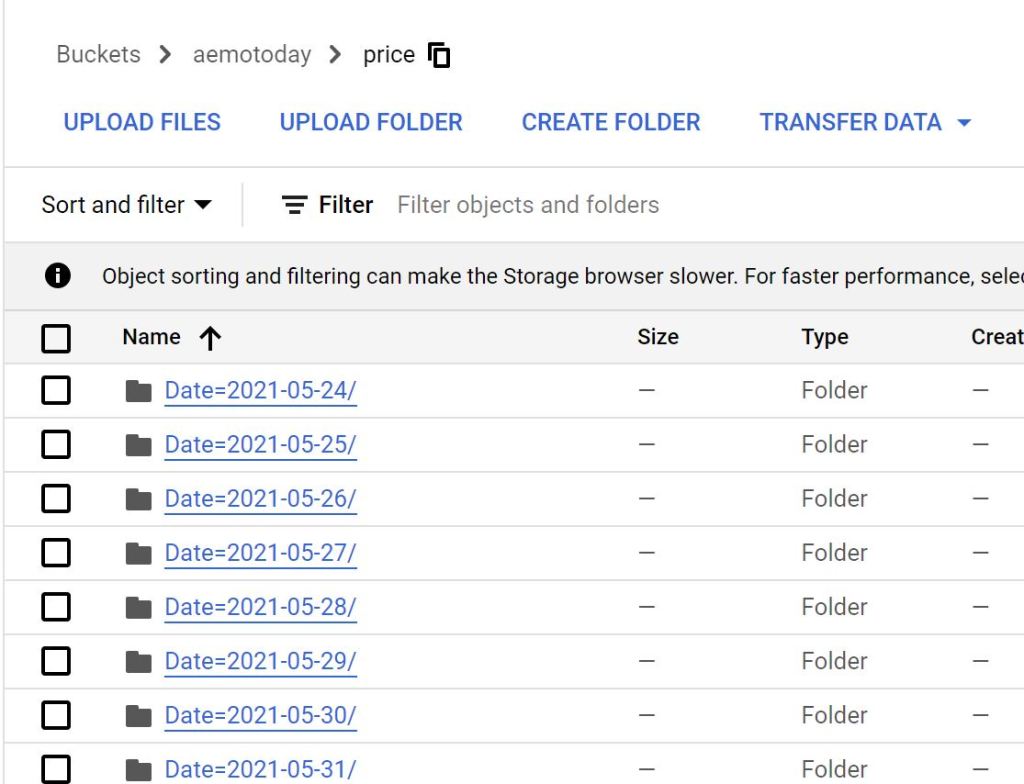
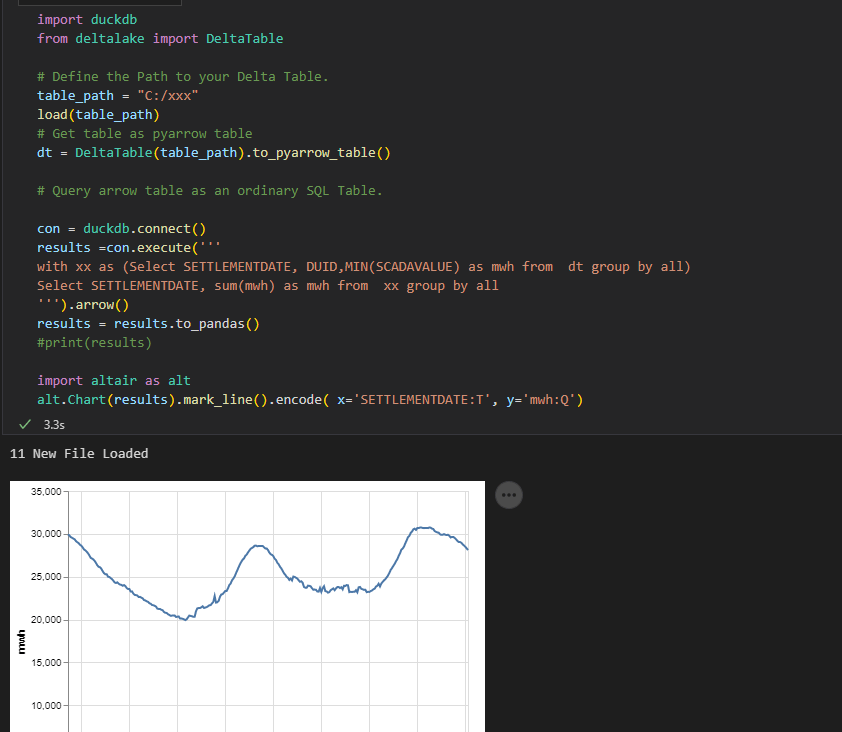
instead of another hot take on how Delta Works, I just built a Python Notebook, that download files from a web site ( Australian Energy Market), create a delta table, then I use DuckDB and vega lite to show a chart, all you need to do is to define the Location of the Delta Table, I thought it maybe a useful example, all the code are located here
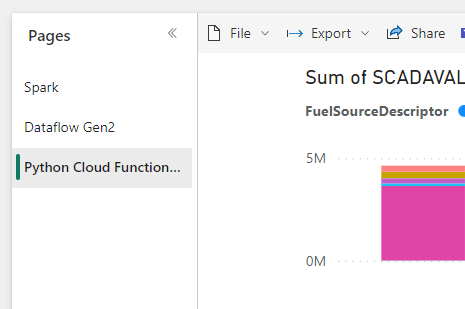
And I added a PowerBI report using the delta Connector
Some Observations
Currently DuckDB don’t support Delta natively, instead we first read the Delta table using pyarrow which DuckDB can read automatically, at this stage, I am not sure if DuckDB can push down filter selection or read the stats saved in the Log file, and currently, it seems only AWS S3 is supported.









 Small Data And self service