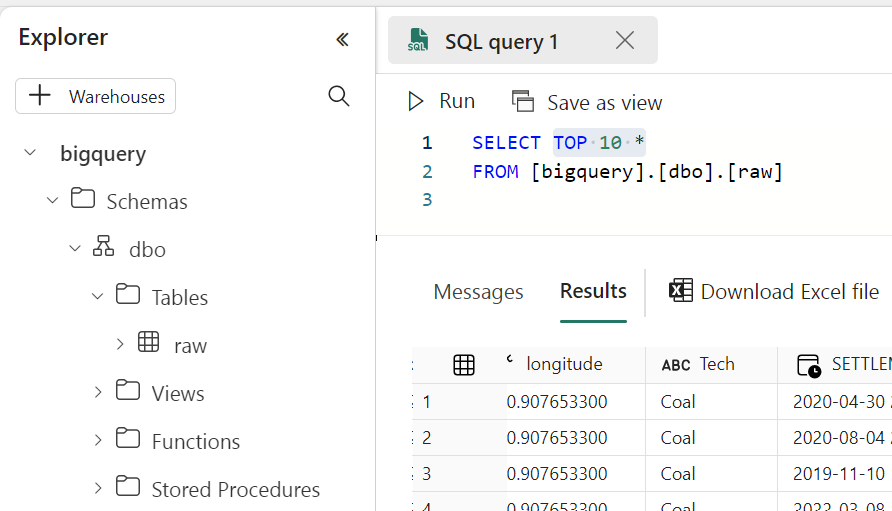
Using Arrow and Delta Rust to transfer Data from BigQuery to Fabric OneLake

 It is just a POC on how using Arrow with Delta Rust can give you a very good experience when importing Data from BigQuery to OneLake 

For a serious implementation, you need to use Azure Key Vault and use it from Fabric Notebook, again this is just a POC

The core idea is that Delta Rust accept Arrow Table as an input without the need for a conversion to Pandas 

The Data is public, the Query scans nearly 19 GB of uncompressed data. 
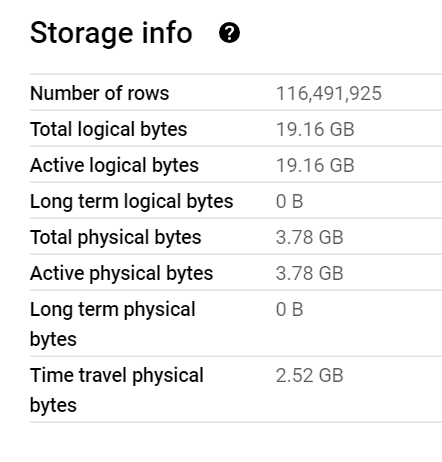
It took less than 2 minutes to run the Query and Transfer the Data !!! That’s GCP Tokyo Region To Azure Melbourne and nearly a minute and 25 second to write the Data to Delta Table using a small single Node ( 4 vCores and 32 GB of RAM) 

Show me the Code.

You can download the notebook here. although The Package is written in Rust, they do have a great Python binding which I am using .

Make sure you Install google-cloud-bigquery[‘all’] to have the Storage API Active otherwise it will be extremely slow 

Notice though that using Storage API will incur egress Cost from Google Cloud

and use Fabric Runtime 1.1 not 1.2 as there is a bug with Delta_Rust Package.

Nice Try, how about vOrder ?

Because the data is loaded into a staging area, the lack of vOrder should not be a problem as ultimately it will be further transformed into the DWH ( it is a very wide table), as a matter of fact, one can load the data as just Parquet files. 

Obviously it works too with Spark, but trying to understand why datetime 64 whatever !!! and NA did not works well with Spark Dataframe was a nightmare.

I am sure it is trivial for Spark Ninja, but watching a wall of java errors was scary, honestly I wonder why Spark can’t just read Arrow without Pandas in the middle ?

With Delta Rust it did just work, datetime works fine, time type though is not supported but it gave me a very clear error message ( for now I cast it as string , will figure out later what to do with it) , but it was an enjoyable experience.

As it is just  code, you can implement more complex scenarios like incremental refresh, or merge and all those fancy data engineering things easily using Spark or stored procedure or any Modern Python Library. 

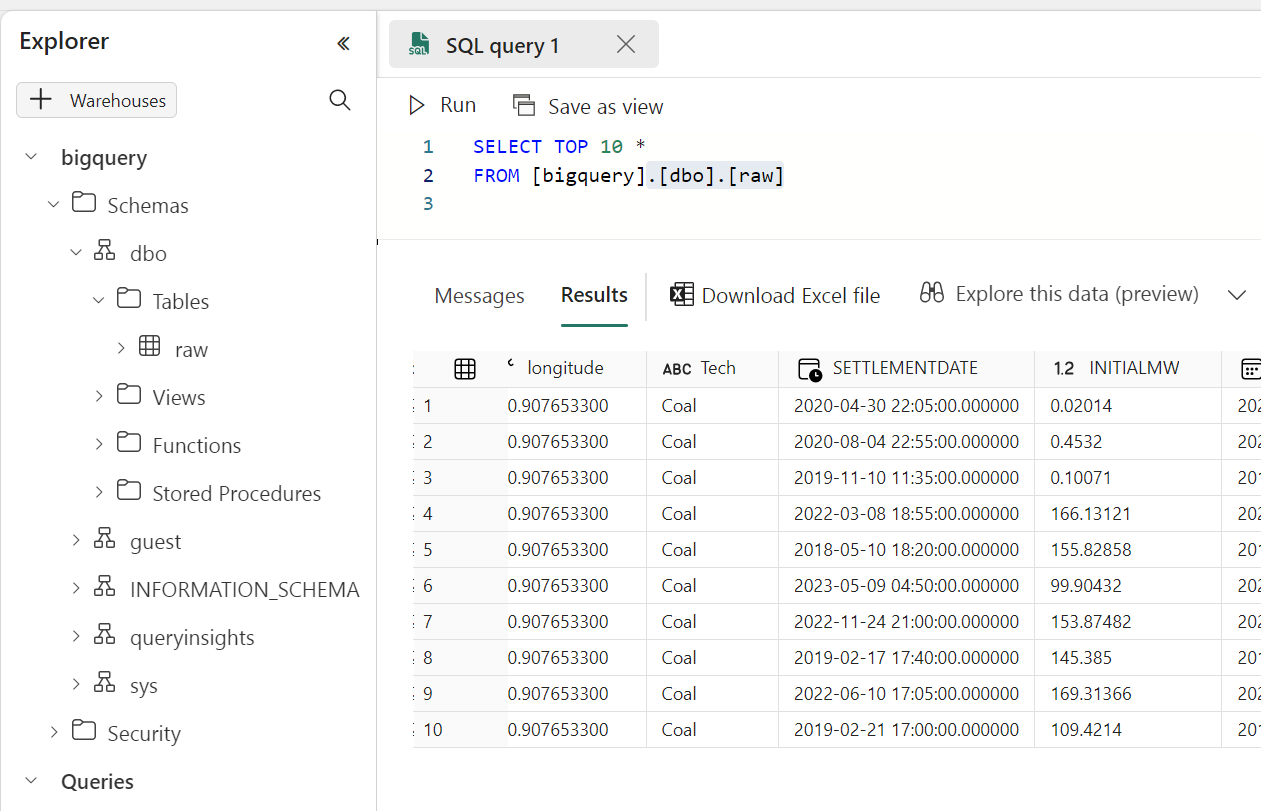
Running a simple Query to make sure it is working
Take Away

The Notebook experience in Fabric is awesome, I hope we get some form of secret management soon, and Delta Rust is awesome !!!
Glaredb Storage Format

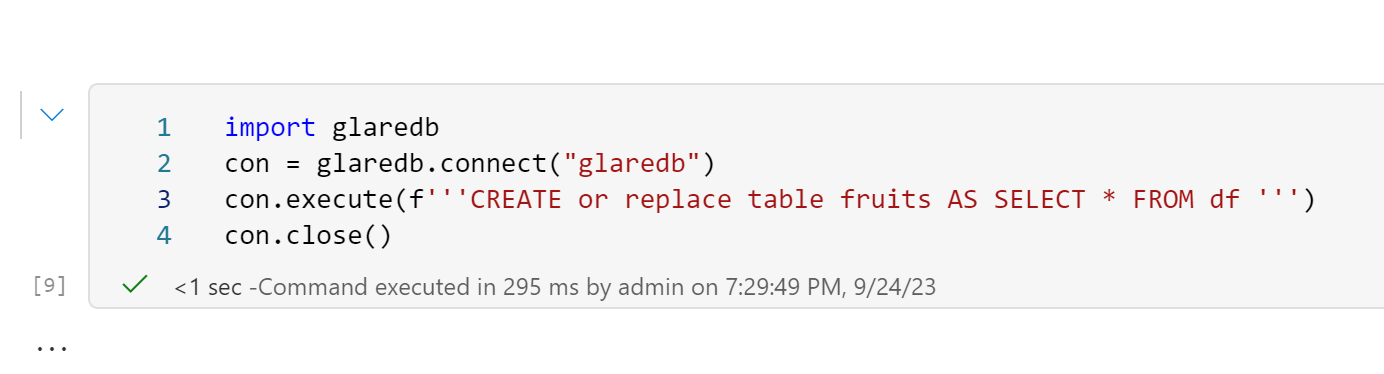
I was messing around with GlareDB which is one of the new wave of OLAP DB system (With DuckDB, Datafusion and Databend) it is open source and based on Datafusion, this blog is not a review but just a small demo for an interesting design decision by GlareDB developers, Instead of building a new storage system from scratch, they just used Delta Table, basically they assembled a database using just existing components, apparently all glued together using Apache Arrow !!!

Write Data using GlareDB

I am using Fabric Notebook here, currently writing to the Lakehouse does not work ( I opened a bug report, hopefully it is an easy fix) instead I will just the local folder

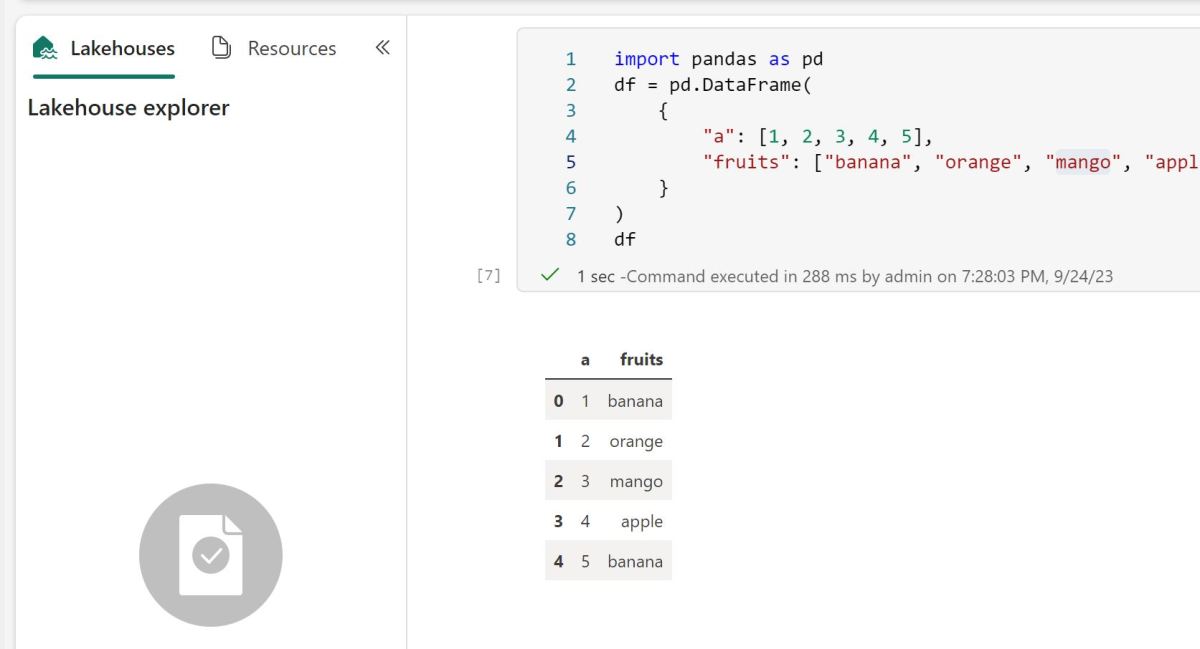
Let’s create a small dataframe using Pandas 

GlareDB can query Pandas DF directly

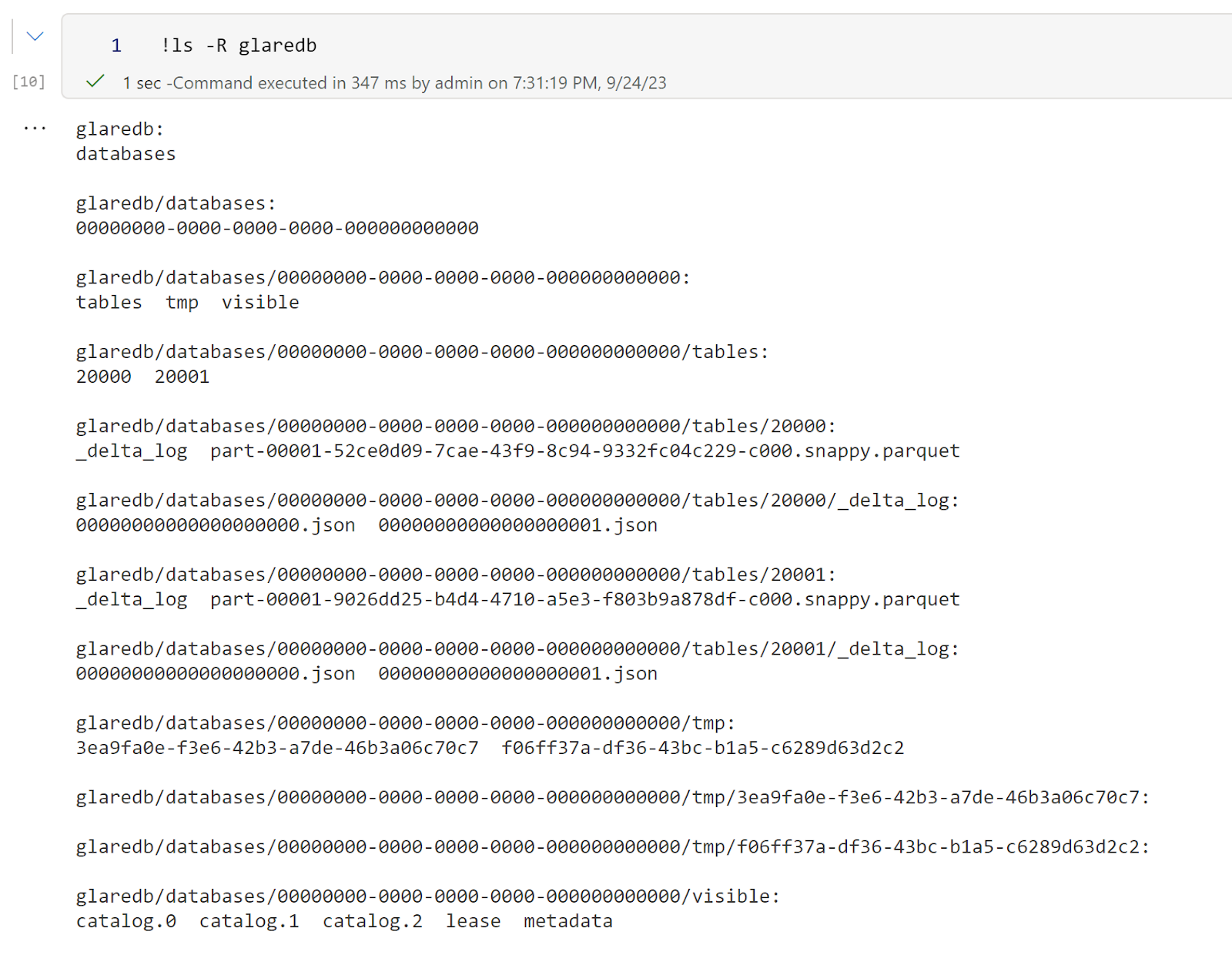
Then I can see the list of files 

Read Data using Polars

Now the interesting part, because it is an Open Table Format, I can use another Engine to read the data, let’s try Polars for a change 🙂 

It will be nice though to have a Query that return all tables with their path as tables/20001 does not mean much 

So DB Vendors should stop innovating in Storage Format? 

I have to admit I changed my mind about this subject, I used to think Query Engines Developers  should design the best format that serve their Engine, after using Fabric for a couple of Months, open table format is just too convenient, my current thinking, the cold storage table format  make a lot of of sense when using a standard format (Delta, Iceberg, Hudi etc)  the optimization can be done downstream, for example tables statistics, In-Memory representations of the data, there are plenty of areas where DB vendor can differentiate their offering, but cold storage is really the common denominator.

One thing though I like about Delta is the relative Path. You can move around the folder and data keeps just working. In the current example, I moved the folder to my desktop and it still works. Iceberg is a bit tricky as it does not support relative paths yet.

Fabric as a OS for analytics 

Introduction

Was listening to this short Video (Fabric Espresso: Will Fabric replace Azure Synapse?) and the VP of Synapse described Fabric as the OS for analytics, and I think it is not simply marketing talk but they are into something, This short blog will show that using DuckDB in Fabric maybe a useful scenario.

OneLake Throughput is the unsung hero of Fabric 

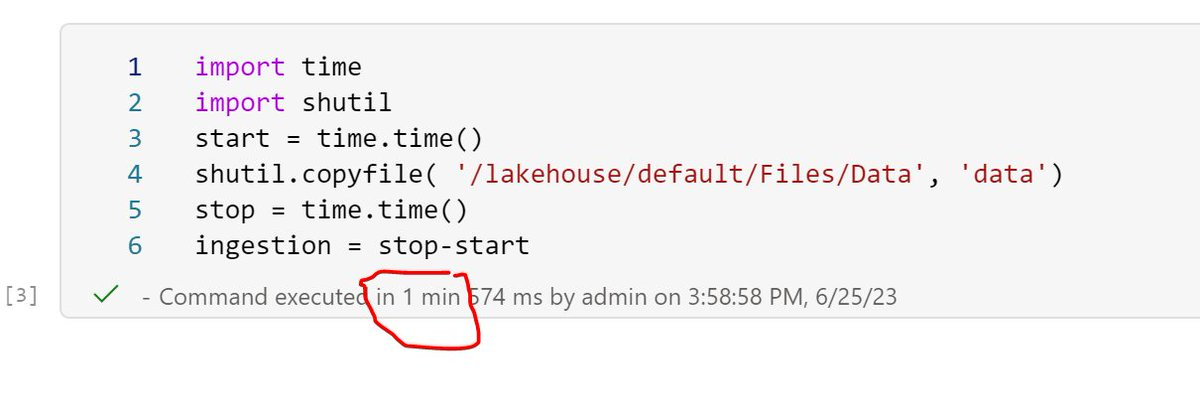
I tried to run DuckDB before in the cloud and all the systems I used Google Colab, Cloud functions, AWS Sagemaker etc have the same limitation, The throughput from the remote storage is just too slow, Fabric Onelake which is based on Azure ADLS Gen2 has an amazing throughput see this example

The file size is 26 GB , that’s nearly 433 MB/s, this is simply amazing, as a reference last week I bought one of those cheap USB flash drives and the read speed was 132 MB/s.

DuckDB reading Directly from Remote Storage

DuckDB is very fast when reading from a VM SSD especially when using the proprietary file format, but realistic speaking users in fabric would probably be more interested in reading directly from the Delta table, so I avoided creating another copy with DuckDB storage file.

I  test  two approaches

  • Import the data into Memory and than run the queries
  • Run the queries Directly from OneLake

The script is available here, the main Table is rather small 60 million rows, I am using just 4 cores, and the results are very interesting

32 second to import to Memory this includes decompressing and rewriting the data using DuckDB format (in RAM), but it is done only once.

24 seconds to run the Queries using 4 cores, just to give you an idea , another famous lakehouse vendor when using the same data, The Engine requires 16 cores and finishes the queries in around 40 seconds.

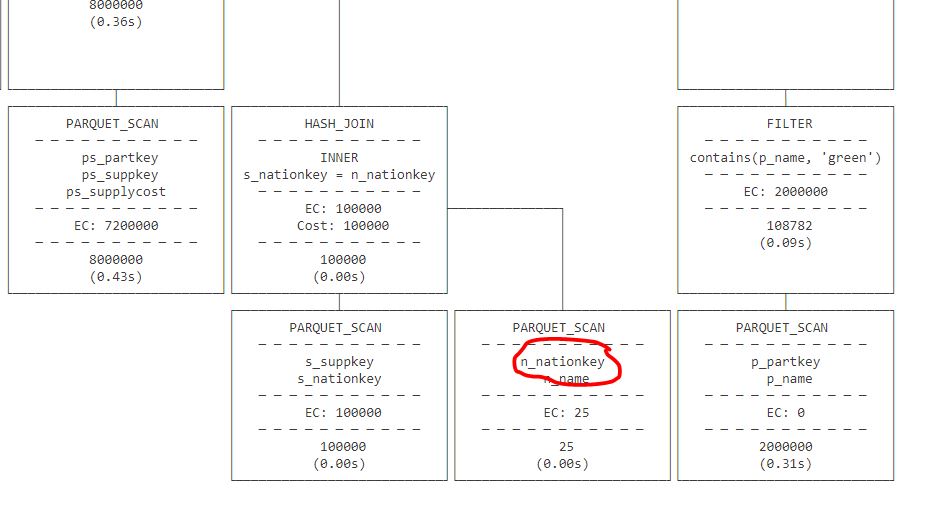
Running the queries directly from OneLake took 58 seconds, I notice though that Query 9 is particularly slow, which usually means a bad query Plan.

I run a profile on that Query and indeed when running directly from Parquet, DuckDB got the join order wrong, as DuckDB ignore the stats when reading from Parquet ( according to the dev, most stats in parquet are wrong anyway)

Note : I use Delta lake package to get the correct list of Parquet files to read, you can read directly from Delta using arrow dataset but it is slower.

Take away

In The medium term, we can imagine Fabric supporting More Engines. There is already some talks about SQL Server (although Parquet is not designed for OLTP, but that’s another subject)  The storage layer which is the foundation for any analytical work is very solid, the Throughput is very impressive, let’s just hope we get a lighter VM to run smaller workloads.

DuckDB currently does not support Buffer pool when reading from remote storage, I am afraid they need to add it. Microsoft supporting Delta has changed the market dynamic and DuckDB can’t ignore it. Parquet alone is not enough, we need those Delta stats for better Query plans.

Save Fabric Delta Tables as DuckDB file

The file section of Fabric Lakehouse is very interesting as although it is a blob storage, somehow behaves more or less like a real filesystem, we leverage that to save all Delta Tables in one DuckDB file

Limitation

  • DuckDB storage format is experimental at this stage and doesn’t offer backward compatibility yet, everytime they upgrade a major version, you have to export the file to parquet and import it back.
  • I am using Python Deltatlake package to read the Delta table, currently it supports only Delta reader version 1, which Microsoft uses, but this may change in a future update of Fabric.

How it works

Install DuckDB and Delta lake, and copy this function

The data will be saved for the current version of the table, old data not removed by vacuum will be ignored.

A note about concurrency

You can have multiple readers using the file at the same time (Using read_only=True), but multiple writers is  not a supported scenario nor 1 Writer and multiple reader, use at your own risk 🙂 Having said that, in the case of 1 writer and multiple reader the worst case scenario is reading inconsistent data 🙂